
Seedance 2.5 by ByteDance is live — text, image & reference to video
Seedance AI Video Generator
Turn a prompt or a single image into cinematic video with synced sound. Multi-shot scenes, real physics and consistent characters in up to 1080p, ready in minutes, straight from your browser.
4 free credits on sign-up · No watermark · MP4 download
Powered by leading AI models
 Seedance
 Kling
 Veo
 Gemini Omni
 MiniMax
 Grok Imagine
 HappyHorse
 Wan
Make a Seedance video online
4s · 480p · with audio · No watermark
Example · Flying Cam
- Text to Video
- Audio
One continuous ten-second high-speed stabilized FPV flying-camera shot, no cuts and no teleportation. Start high above a monumental white brutalist observatory…
AI video models
- NewKling 4.0Text, image, reference & video edit
- HotSeedance 2.5Up to 30 s · 1080p
- Hot
 GenjutsuVideo to video · motion & object swap
- Grok ImagineGrok Imagine 1.5 · loops & keyframes
- Wan 3.0Wan 3.0 & Prime · up to 30 s
- Gemini OmniOmni 1.2 Flash · sound · up to 4K
- MiniMax H3Hailuo 03 · up to 2K
- Seedance 2.0Up to 15 s · 1080p
Seedance AI video examples
Every clip below was made with Seedance AI. Click one to load its prompt, images and settings into the generator, then make it your own.
VHS Video
3D Character Animation
Product Commercial
UGC Ad
Pullback Shot
Flying Cam
Stop-Motion ASMR
Cinematic Portrait
Lifestyle Video
Product Showcase
freeeeeeze
Red Carpet Dolly Zoom
Epic Desert Scene
Japanese Idol Vlog
网球锦标赛观众
Sinking Of The Battleship Yamato
Fantasy Battle
Now Listen To My Rap
Japan Travel Film
High Density Anime Action Fantasy Sequence
UGC iced coffee
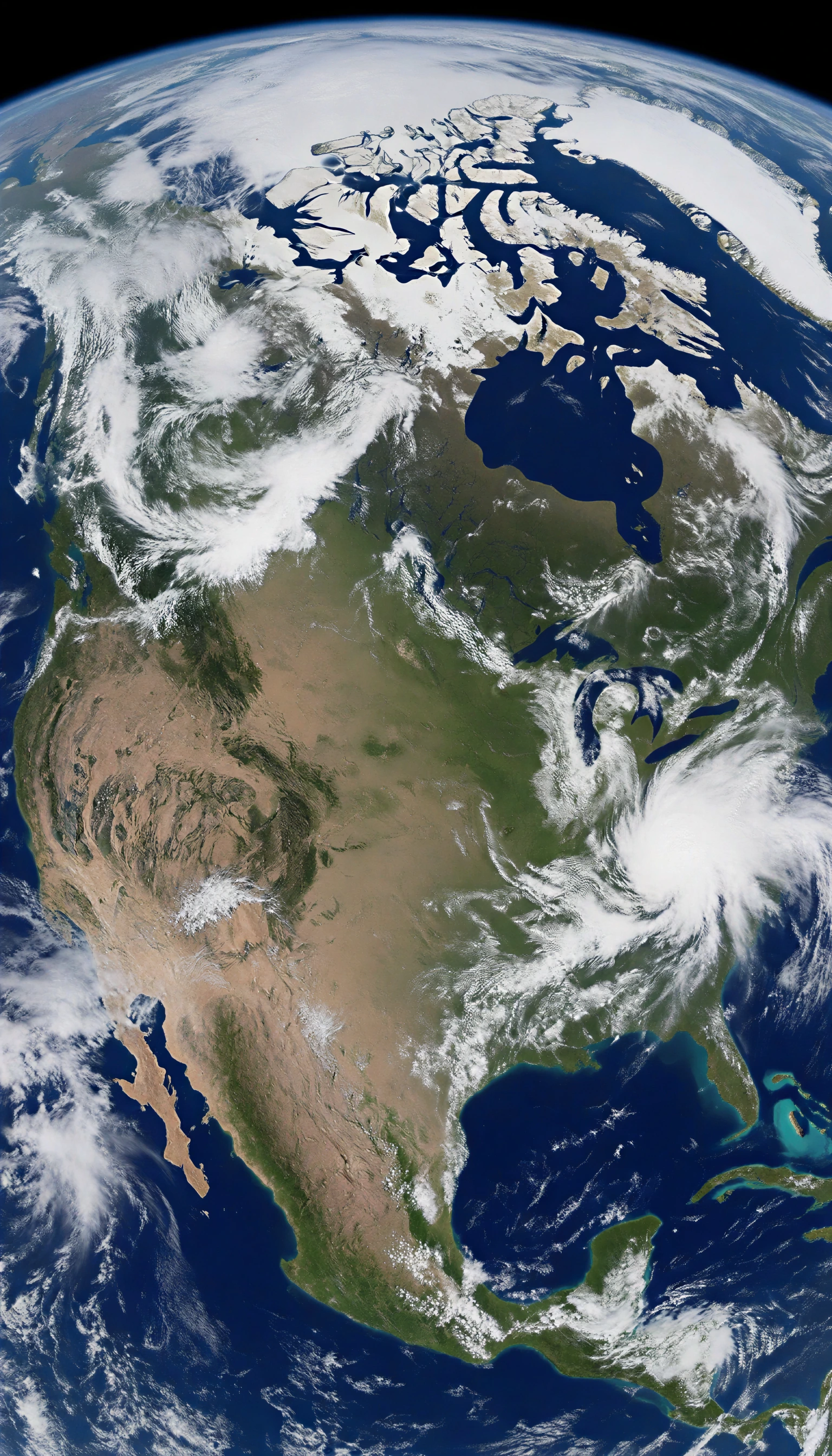
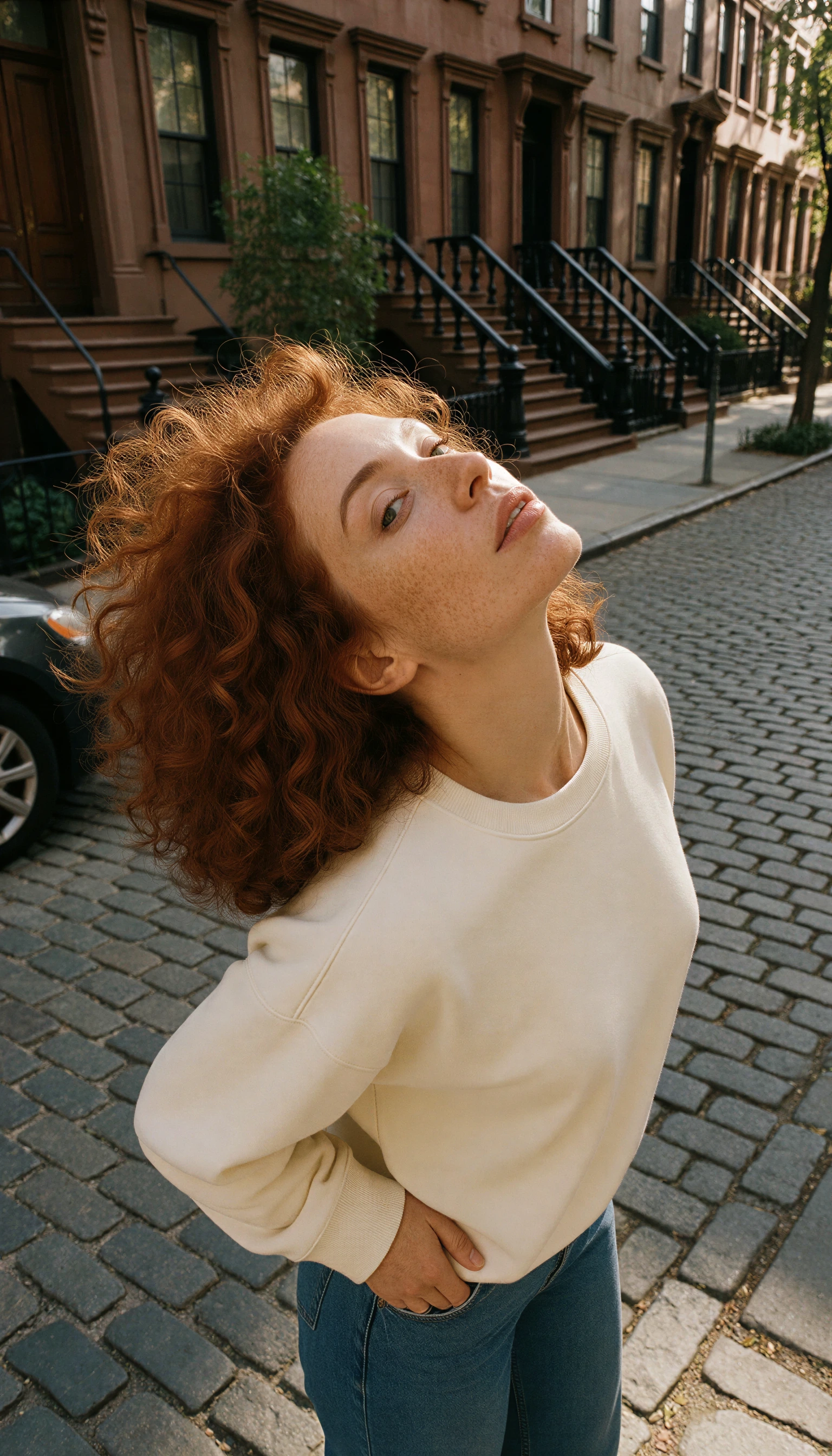
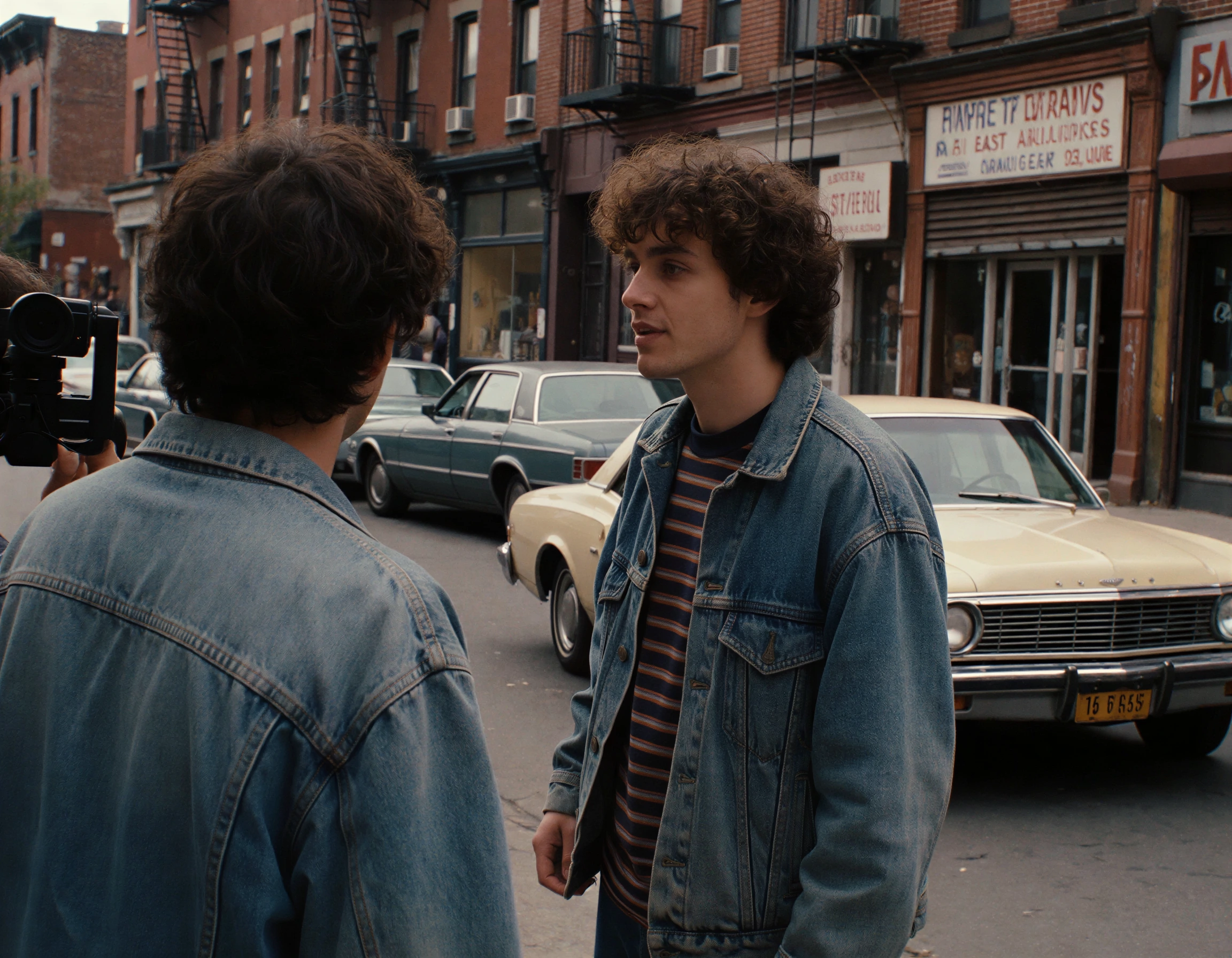
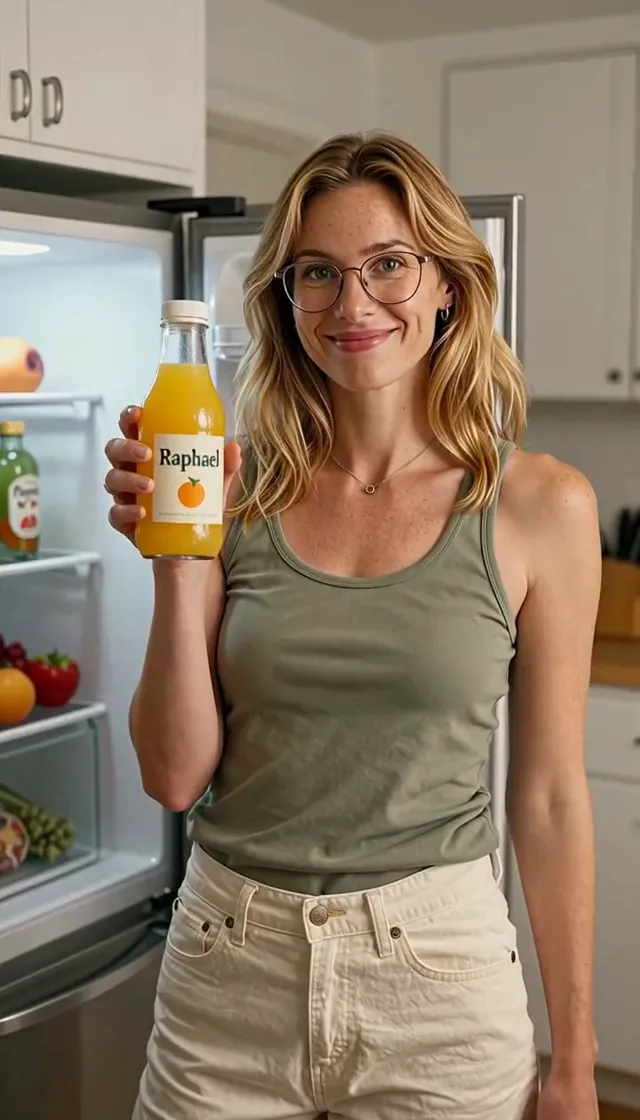
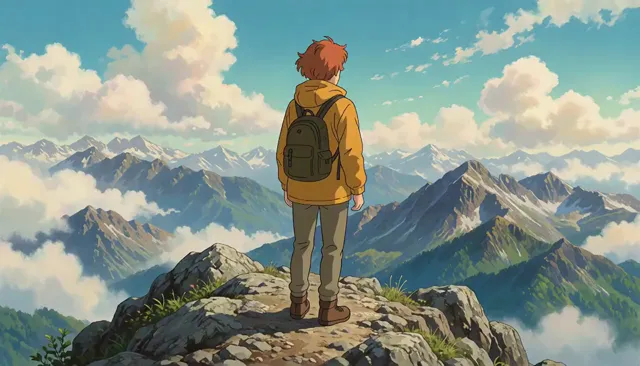


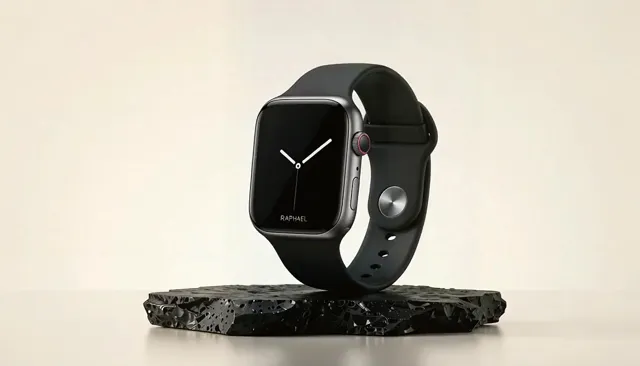
What is Seedance AI?
Seedance AI on Melies AI lets you create videos with Seedance 2.5, the latest video model from ByteDance’s Seed research team, without an API key, a GPU or any software to install. You describe a scene or upload an image, and Seedance renders a high-quality clip of 4 to 30 seconds with sound, in up to 1080p.
Seedance stands out among AI video models for motion that looks filmed rather than generated: smooth camera moves, believable physics, and characters that keep the same face and outfit from the first frame to the last. It can cut between several shots in a single clip, and generates sound effects, ambience and dialogue together with the picture, so a video is often ready to post as it is.
Use it for text to video, image to video and reference to video, in seven aspect ratios from vertical 9:16 to cinematic 21:9. Every video downloads as an MP4 without a watermark, and you only pay for the seconds you render.
The generator opens on Seedance 2.0 Mini, the lowest-cost Seedance model, and a new account’s free credits cover a first 4-second clip on it. Switch to Seedance 2.0 for 1080p clips up to 15 seconds, or to the newest Seedance, 2.5, for up to 30 seconds in one take.
- Clip length
- 4–30s
- Top quality
- 1080p
- Aspect ratios
- 7
- Ways to start
- 3
- Sound and speech
- Native
- No watermark
- MP4
Seedance 2.5 by ByteDance Seed · from 30 credits per 5-second clip
Text to video, image to video and reference to video
Seedance offers three ways to start a clip. Pick the one that matches what you already have: an idea, a picture, or a character you want to keep.
PromptFPV shot diving through a cliffside observatory, one take
Mode 01
Seedance text to video
Write what should happen and Seedance films it: subject, action, setting, camera move, lighting and sound. Describe several shots in one prompt and Seedance cuts between them, keeping the same characters across the cuts.
- Original scenes and story ideas
- B-roll and establishing shots
- Ads, intros and music visuals
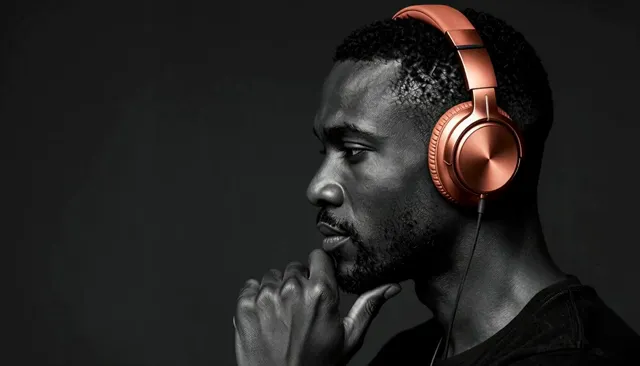
Your image Mode 02
Seedance image to video
Upload a photo, illustration or product shot as the first frame and describe the motion. Add a last frame too, and Seedance animates the transition between the two images, so you decide exactly where the shot starts and ends.
- Animating portraits and artwork
- Product shots that move
- Controlled start-to-end transitions
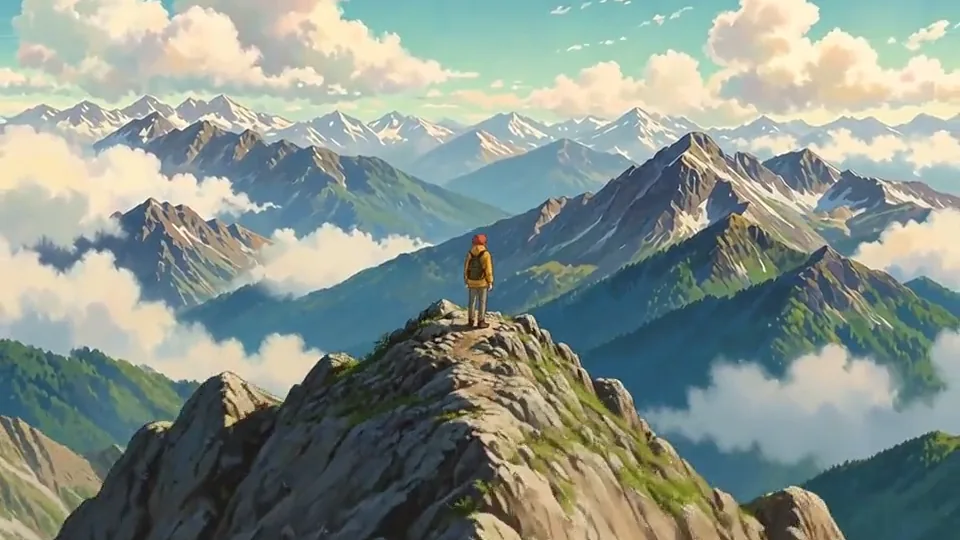
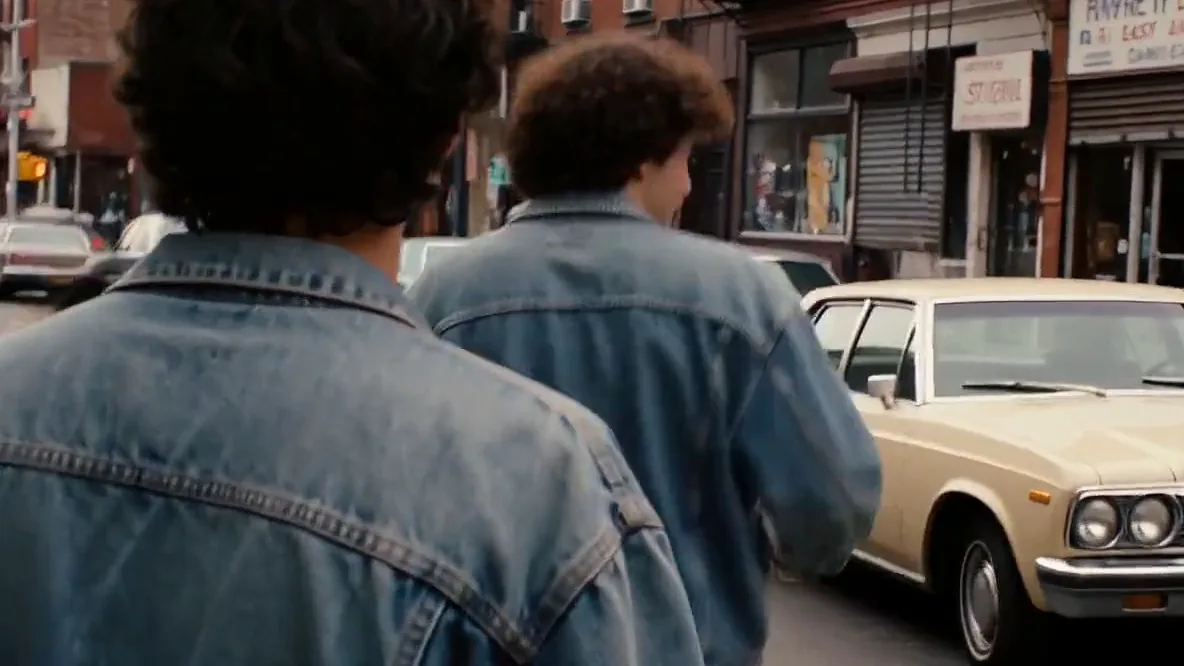
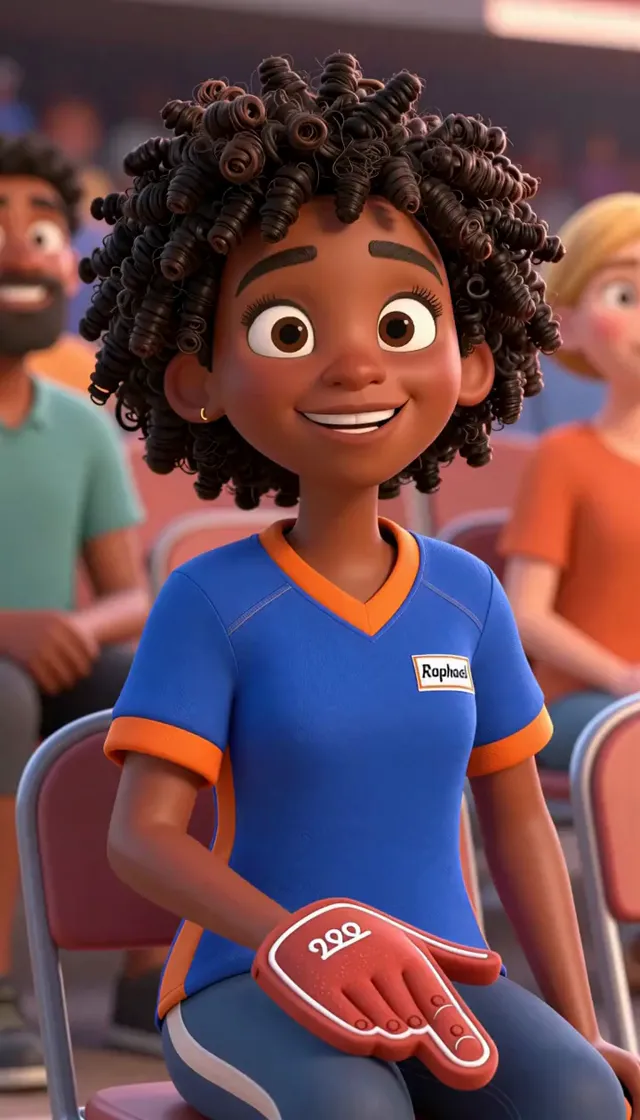 @Image1
- @Image2
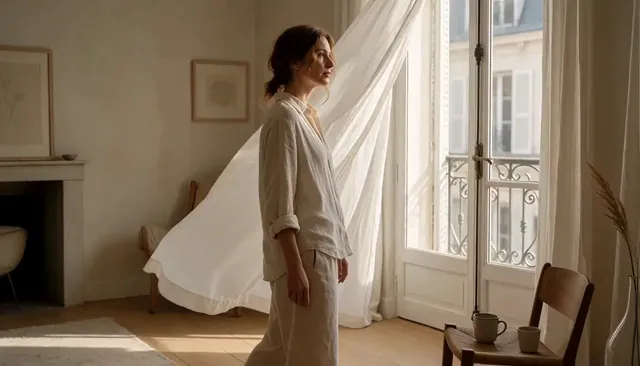 @Image3
Up to 30 references, named in the prompt
Mode 03
Seedance reference to video
Give Seedance up to 30 reference images: a character, an outfit, a product or a style. Name them in the prompt as @Image1, @Image2 and the model keeps them consistent in a brand-new scene, instead of copying the first frame.
- Consistent characters across clips
- Placing a product in new scenes
- Matching a brand or art style
Why creators choose Seedance 2.5
What makes Seedance one of the most capable AI video models, and what you get in every clip from this generator.
Seedance 2.530 seconds in one clip, sound included
Seedance 2.5 renders up to 30 seconds in a single clip, with no stitching, and creates the sound in the same pass: footsteps, rain, engines, music and spoken lines in quotes, all in sync with what is on screen. Switch audio off for a silent clip.
Describe “Shot 1, Shot 2, Shot 3” and get real cuts in one clip, with the same character, outfit and lighting from shot to shot. No stitching clips together in an editor.
Fabric that swings, water that splashes, hair that moves with the wind. Seedance is known for fluid, believable motion and stable subjects, even in fast action and camera moves.
Dolly-in, orbit, crane, whip pan, handheld, drone: name the move and Seedance follows it, along with lens, depth of field and color grade.
16:9 for YouTube, 9:16 for TikTok, Reels and Shorts, 1:1 for feeds, 21:9 for a cinematic look. Render drafts at 480p and finals in Full HD.
How to make a Seedance video
From idea to finished MP4 in four steps. No editing software, no render queue on your own machine.
- 01
Pick a mode
Text to video for a scene from scratch, image to video to animate a picture, or reference to video to keep a character or product consistent.
- 02
Write your prompt
Describe the subject, the action, the setting, the camera move, the style and the sound. Stuck? Tap “Surprise me” or reuse a prompt from the examples.
- 03
Choose format, length and quality
Pick an aspect ratio, a length from 4 to 30 seconds and 480p to 1080p. The cost is shown on the button: a 5-second 720p clip is 75 credits.
- 04
Generate and download
Press Generate. Seedance renders in a few minutes while you keep browsing, then watch it full size and download the MP4, watermark-free.
How to write Seedance prompts that work
Seedance follows detailed, film-style direction closely. Build every prompt from the same six parts and your results get predictable fast.
StyleLarge-format 70mm film look, gritty realism, epic scale, desaturated.[00-05s]CameraExtreme wide shot: Scenea colossal sandstorm, miles high, swallows a vast desert as Subjecta tiny convoy of armored vehicles Actionraces away from it.[05-10s]CameraCockpit cam inside the lead rover, shaking violently: Actionthe driver screams “Go! Go!”, sand blasts the windshield and the sun disappears behind the wall of dust.[10-15s]ActionThe rover hits a massive dune and launches into the air Camerain slow motion, Scenea silhouette against the dark storm, lightning flashing inside the dust cloud. CameraCut to black on impact. SoundSound: deep pulsing low-brass tension, howling wind, roaring engines.
- Tip 01
Give every shot one subject and one clear action
Say who is on screen and what they do before the scenery. “A barista pours latte art” beats a paragraph of café details with the barista buried at the end. Set the overall look once, at the top.
- Tip 02
Name the camera move
Words like dolly-in, orbit, tracking shot, crane up, handheld or drone shot give the clip a deliberate, filmed look instead of a static frame.
- Tip 03
Time your shots for longer clips
For clips of 10 seconds or more, split the prompt into timed shots like [00-05s] and [05-10s], or simply “Shot 1… Shot 2…”. Each shot gets its own framing and the cuts feel edited.
- Tip 04
Put dialogue in quotes
With audio on, a line like He says, “We made it.” is spoken by the character. Add ambience too: rain, traffic, a crowd, a crackling fire.
- Tip 05
For image to video, describe motion, not the picture
The image already shows what things look like. Spend your words on what moves: the head turn, the wind, the camera, and what should stay unchanged.
- Tip 06
Draft cheap, finish in Full HD
Try a prompt at 480p and 5 seconds, adjust the wording, then render the version you like at 1080p and the length you need.
What you can make with Seedance AI
Marketers, filmmakers and creators use Seedance AI wherever they need footage that would be slow, costly or impossible to shoot.
Seedance video pricing
Pay per second of video. Buy credits once, use them whenever you like. Google sign-ups start with 4 free credits, and failed videos are refunded automatically.
- 480p · 6 credits/s
- 720p · 15 credits/s
- 1080p · 36 credits/s
Trial
$9.90
one-time
Try Seedance with a few short clips.
- 100 credits
- 1 HD clip or 3 at 480p (5 s each)
- Text, image & reference to video
- No watermark, commercial use
- Credits never expire
- Failed videos refunded automatically
Most popular
Starter
$19.90
one-time
Enough to find your style and iterate on prompts.
- 300 credits
- 4 HD clips or 10 at 480p (5 s each)
- Text, image & reference to video
- No watermark, commercial use
- Credits never expire
- Failed videos refunded automatically
Creator
$29.90
one-time
For weekly social content and client drafts.
- 600 credits
- 8 HD clips or 20 at 480p (5 s each)
- Text, image & reference to video
- No watermark, commercial use
- Credits never expire
- Failed videos refunded automatically
Seedance AI video guides
Prompts, techniques and workflows to get more out of Seedance AI.
Seedance FAQ
Something else? Email support@meliesai.com.
It runs ByteDance’s Seedance video models in your browser. Type a prompt or upload an image and it renders a video with native audio: up to 30 seconds in 1080p on Seedance 2.5, or up to 15 seconds on Seedance 2.0, Fast and Mini. Melies AI handles the rendering, so you need no API key, no GPU and no app.
Seedance is a family of AI video models from ByteDance’s Seed team. The first version came out in June 2025, Seedance 2.0 in February 2026 and Seedance 2.5 in July 2026. It makes video from text prompts and images, and is known for smooth, physically plausible motion, multi-shot scenes, consistent characters and sound generated together with the picture.
ByteDance, the Chinese technology company behind TikTok and CapCut, owns Seedance; its Seed research team builds it. ByteDance offers Seedance in its own apps, such as Dreamina and CapCut, and to developers through its BytePlus cloud. Melies AI is an independent site that runs Seedance through a third-party API provider.
You pick it in the model menu. The generator opens on Seedance 2.0 Mini, the lowest-cost model (up to 720p), which the free sign-up credits cover. Seedance 2.5 makes 4 to 30 seconds in up to 1080p with up to 30 reference images, Seedance 2.0 makes 4 to 15 seconds in up to 1080p, and Seedance 2.0 Fast renders faster in up to 720p. The menu also has Kling, Grok Imagine, Wan, Gemini Omni, MiniMax and Genjutsu.
Yes, for a first short clip. New accounts that sign up with Google get 4 free credits, once per person, enough for a 4-second Seedance 2.0 Mini clip at 480p. The generator opens on those settings. After that, videos are paid with credits: packs start at $9.90 for 100 credits, with no subscription, and failed videos are refunded automatically.
Not here. Seedance 2.5 and Seedance 2.0 render up to 1080p on Melies AI, and Seedance 2.0 Fast and Mini up to 720p. If you need 4K, pick Gemini Omni 1.1 Flash in the same model menu: it renders 360p to 4K in clips of 4 to 10 seconds.
Videos are priced per second, by model and quality. Seedance 2.5: 6 credits per second at 480p, 15 at 720p or 36 at 1080p; Kling 4.0: 6 credits per second at 720p or 9 at 1080p; Kling 4.0 Video Edit: 7 credits per second at 720p or 11 at 1080p; Kling 4.0 Flash: 4 credits per second at 720p; Grok Imagine 1.5: 1 credit per second at 480p, 2 at 720p or 2 at 1080p; Grok Imagine: 1 credit per second at 480p, 2 at 720p or 2 at 1080p; Wan 3.0: 2 credits per second at 480p, 4 at 720p or 8 at 1080p; Wan 3.0 Prime: 3 credits per second at 480p, 6 at 720p or 12 at 1080p; Gemini Omni 1.2 Flash: 1 credit per second at 360p, 3 at 720p, 3 at 1080p or 5 at 4K; Gemini Omni 1.1 Flash: 4 credits per second at 360p, 4 at 720p, 4 at 1080p or 9 at 4K; MiniMax H3: 2 credits per second at 768p or 3 at 2K; Seedance 2.0: 5 credits per second at 480p, 10 at 720p or 24 at 1080p; Seedance 2.0 Fast: 3 credits per second at 480p or 6 at 720p; Seedance 2.0 Mini: 1 credit per second at 480p or 2 at 720p; Genjutsu 1.0: 6 credits per second at 480p, 13 at 720p or 36 at 1080p; Genjutsu Lite 1.0: 11 credits per second at 720p or 22 at 1080p. A 5-second 720p clip on Seedance 2.5 costs 75 credits and a 10-second 1080p clip 360 credits. Audio and all three modes are included in that price.
Choose Image to Video, upload your picture as the first frame and describe the motion you want, for example “she turns and smiles as the camera pushes in”. Optionally add a last frame to control where the shot ends. Pick the format, length and quality and press Generate.
Image to video starts the clip on your exact image (and can end on a second one). Reference to video uses up to 30 images (9 on the Seedance 2.0 models) as a guide for a character, product or style and builds a new scene around them, so the first frame does not have to match any image.
Yes. With audio on, Seedance 2.5 generates sound effects, ambience, music and speech in the same pass as the video, synced to the action. Put dialogue in quotes in your prompt to have a character say it. Turn audio off for a silent clip at the same price.
Most videos are ready in a few minutes; longer 1080p clips and busy times take longer. You can leave the page while it renders: the video keeps going and appears under “My videos” when you come back.
Any length from 4 to 30 seconds on Seedance 2.5, or 4 to 15 seconds on the Seedance 2.0 models, picked to the second. For longer videos, generate several clips with the same characters, using reference to video to keep them consistent, and edit them together.
Seven aspect ratios: 16:9, 9:16, 1:1, 4:3, 3:4, 21:9, and Auto, which keeps your image’s own shape in image to video and lets the model pick the best fit in the other modes. Each can be rendered in 480p, 720p or 1080p (Seedance 2.0 Fast and Mini go up to 720p).
Yes. Videos you generate are yours to use, including in ads, client work and monetized social posts, as long as your prompt and images do not infringe anyone else’s rights and follow our content standards. There is no watermark on the MP4.
Describe the subject, the action, the scene, the camera move, the style and the sound, in that order. Use “Shot 1, Shot 2” for multi-shot clips and put spoken lines in quotes. Our prompt guide on this page has a full formula and examples you can copy.
Usually because the prompt or an image tripped the model’s safety filters, for example real public figures, violence or adult content, or because an image was too small or oddly shaped. Your credits are returned automatically; rewording the prompt or using a different image normally fixes it.
Finished videos stay under “My videos” for 14 days. Download the ones you want to keep. Uploaded images are deleted from our storage provider within about 24 hours.
No. Melies AI is an independent platform that gives you access to the Seedance model through a third-party API provider. It is not affiliated with, endorsed by or sponsored by ByteDance.
Your next shot is one prompt away
Open the generator, describe the scene and watch it render with sound in minutes. No camera, crew or editing timeline.
Try it free



