
Seedream 5.5 Generator
Make lifelike pictures from a prompt, transparent PNGs ready for your designs, and edits from up to 10 of your images that change only what you ask, with ByteDance’s newest image model. Online in your browser, from 1 credit a picture.
- Up to 2K
- 10 reference images
- Transparent PNG
- 8 ratios
Make a Seedream AI image online
2K · 1:1 · No watermark
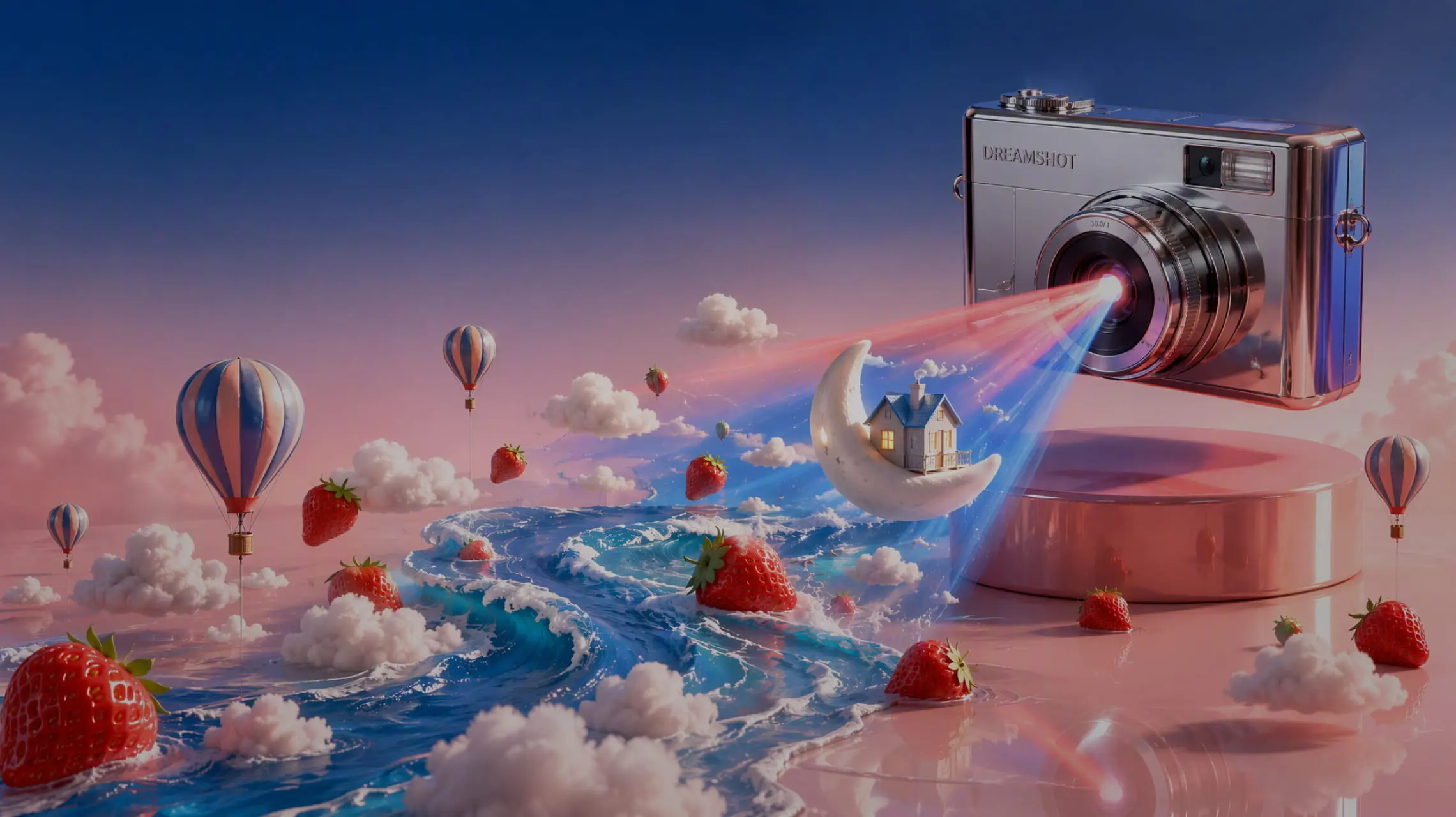 Example
What is Seedream 5.5?
Seedream is ByteDance Seed’s image model family, and version 5.5, released on November 9, 2026, is its newest. One model does two jobs: text to image from a prompt, and image edit from 1 to 10 pictures you upload. On Melies AI it runs in your browser, with no app, GPU or API key.
ByteDance names three upgrades in the 5.5 release. Multi-turn editing is more stable: parts of a picture you do not ask to change stay the same at the pixel level, with no colour shift, and ByteDance shows one portrait edited 100 times in a row. The model draws transparent and semi-transparent backgrounds itself, so cut-outs need no background removal. Light, materials and skin look more natural, with less gloss and overexposure, and dense small text in English or Chinese reads more clearly.
ByteDance tested the 5.5 release with expert raters on its MagicArena platform in six fields: e-commerce, marketing, film and TV, gaming, office work and fashion design. Against Seedream 5.0 Pro, quality and usability rose in all six, and usability more than doubled in film and TV and in office work. Severe text errors fell to 0.4% of images and minor ones to 1.7%. These are ByteDance’s own tests, not independent ones.
On this site you pick one of 8 shapes (1:1, 16:9, 9:16, 4:3, 3:4, 3:2, 2:3, 21:9; an edit can also use Auto, where the model decides), and 1K, 1.5K, 2K; a 2K square is 2048 × 2048 pixels. Prompts run from 5 to 5,000 characters. Save as PNG or JPEG, with an automatic, transparent (PNG only) or solid background. There is no visible watermark.
- Edit rounds in ByteDance’s demo
- 100
- Reference images
- 10
- Aspect ratios
- 8
- Largest size
- 2K
- Prompt characters
- 5,000
- Credit · one 1.5K image
- 1
By ByteDance Seed · run through a third-party API · not affiliated with ByteDance · Last updated
What ByteDance’s new image model does well
Five things the 5.5 release is built for, from edits you can repeat to cut-outs with no background.
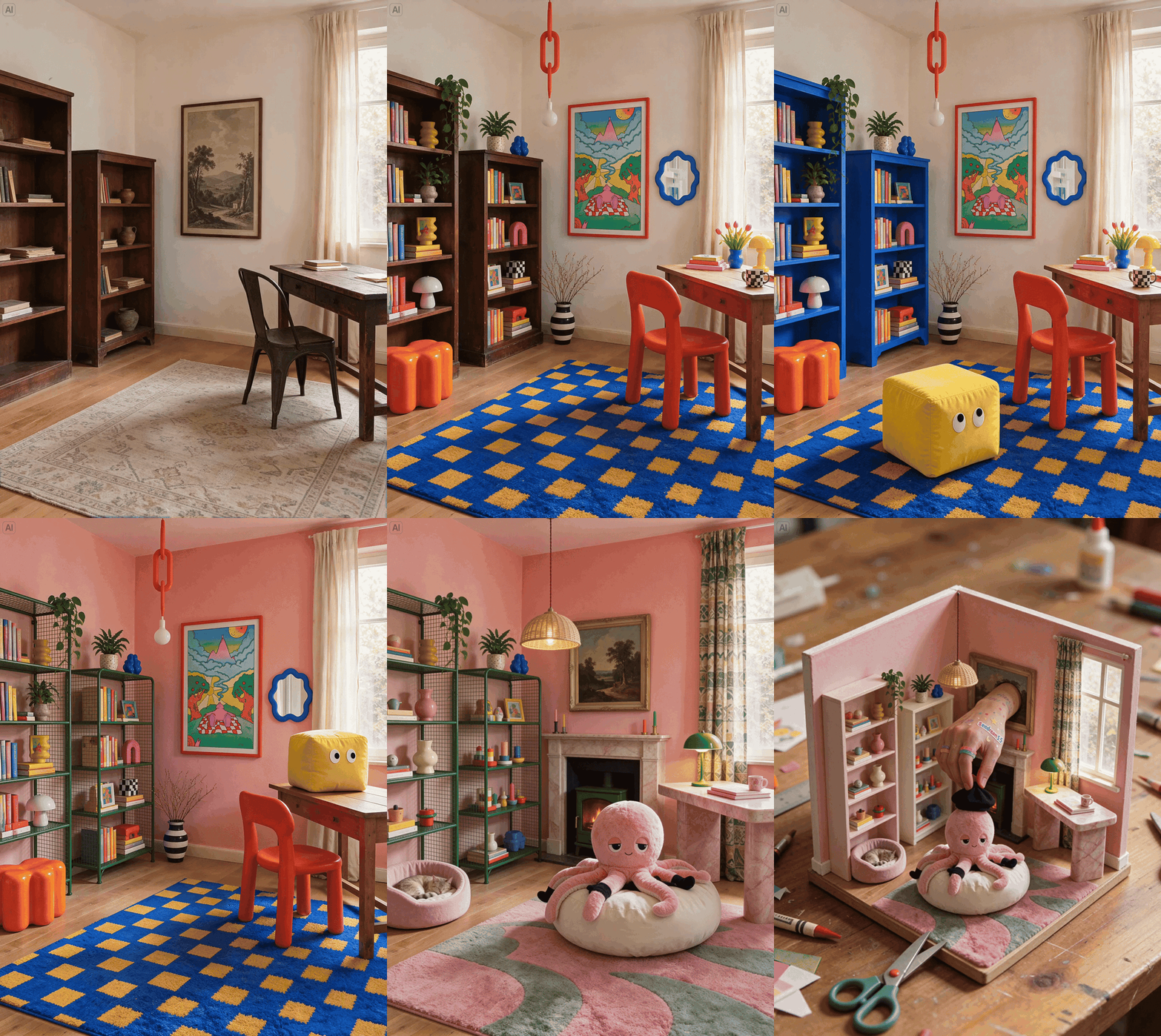
Edit the same picture again and again
Each edit changes only what you name: a lamp, a ring, a colour, a line of text. The rest of the picture stays the same, down to the pixel, so you can keep refining one image. Download a result and add it back as @Image1 for the next change.
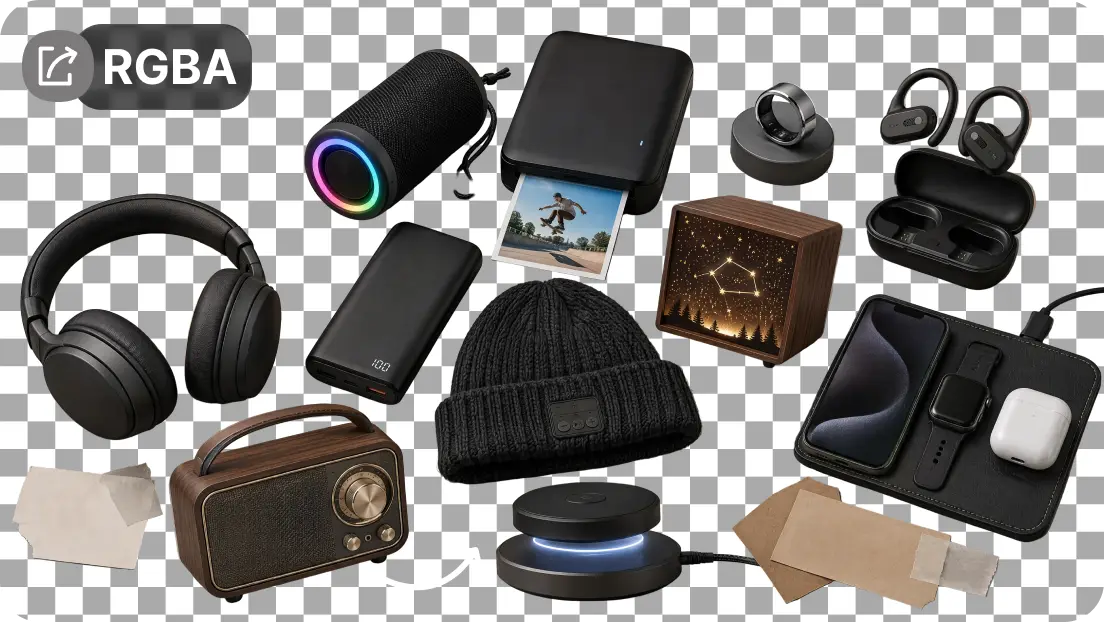
Transparent PNGs, no background removal
Pick a transparent background and the model draws the subject on an alpha channel, including semi-transparent areas and fine edges like feathers and claws. Stickers, logos, product cut-outs and character sets drop straight into a layout.
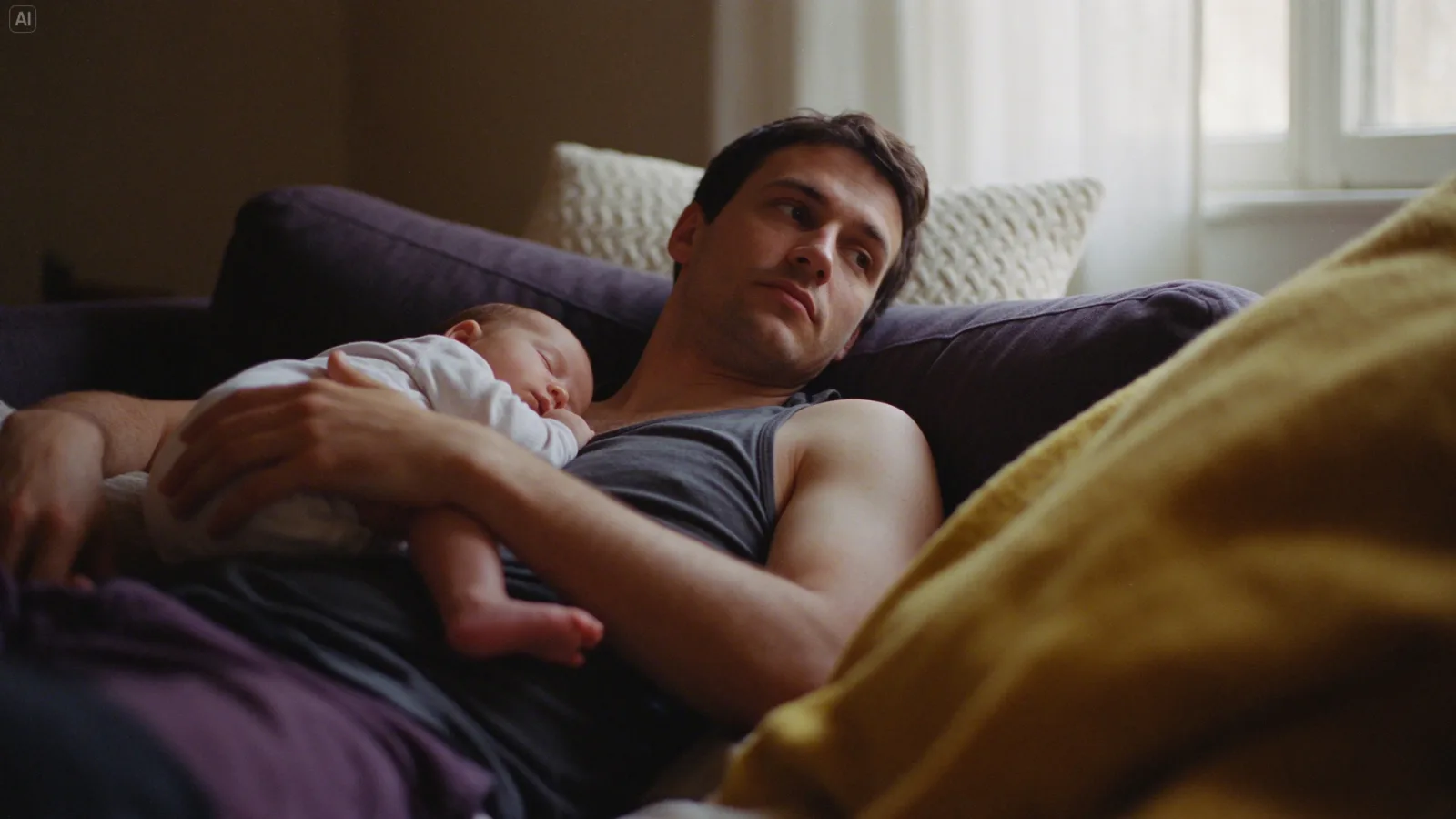
Photos that look like photos
ByteDance tuned the 5.5 release for natural light, real materials and skin texture, with less of the glossy, overexposed “AI look”. Describe the light, the camera and the film stock, and it follows them.
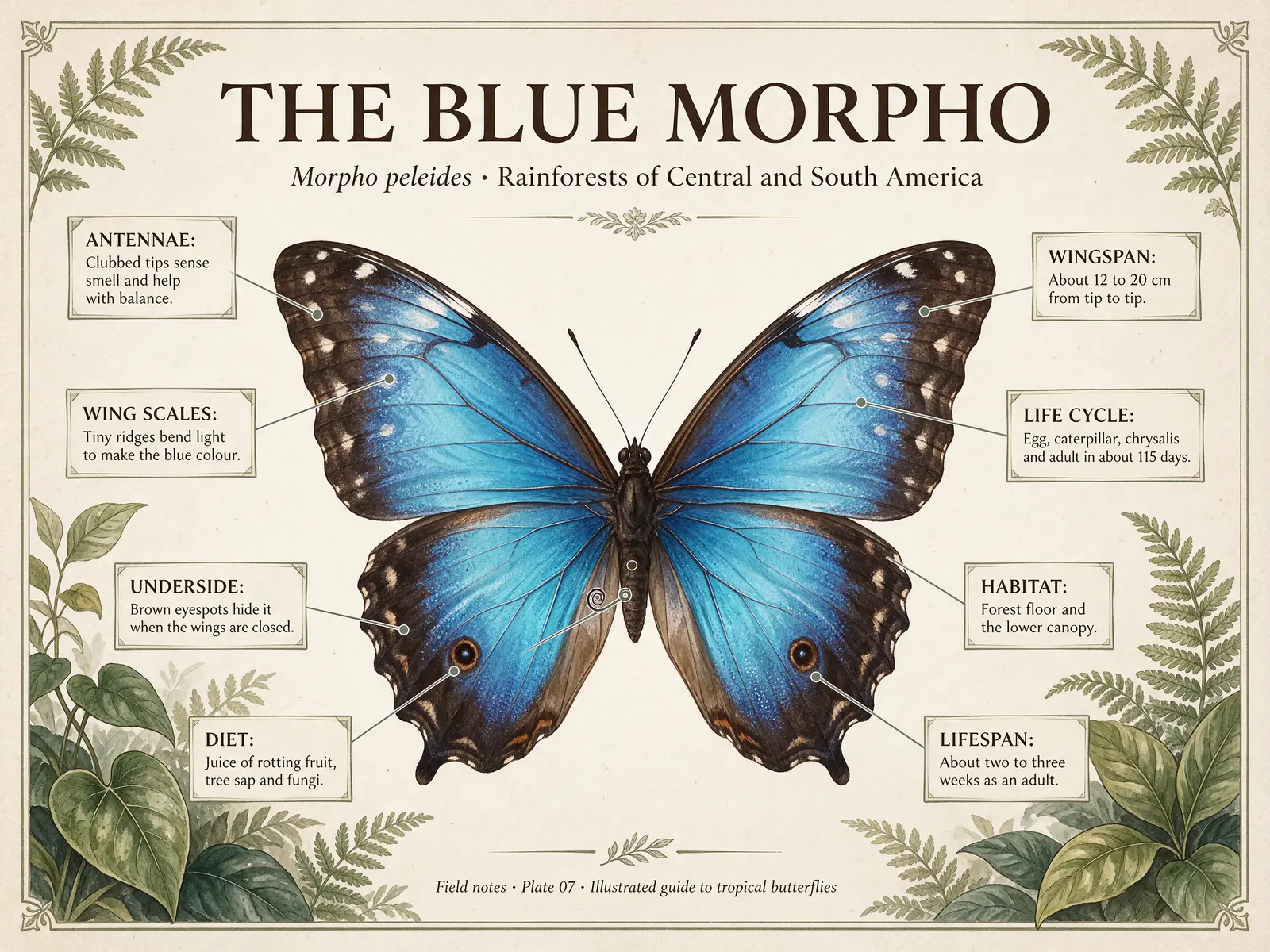
Small text that stays readable
Dense captions, newspaper columns and many-stroke Chinese characters come out cleaner than in earlier versions. In ByteDance’s tests, severe text errors fell to 0.4% of images. Put every word in quotes and check spelling in the result.
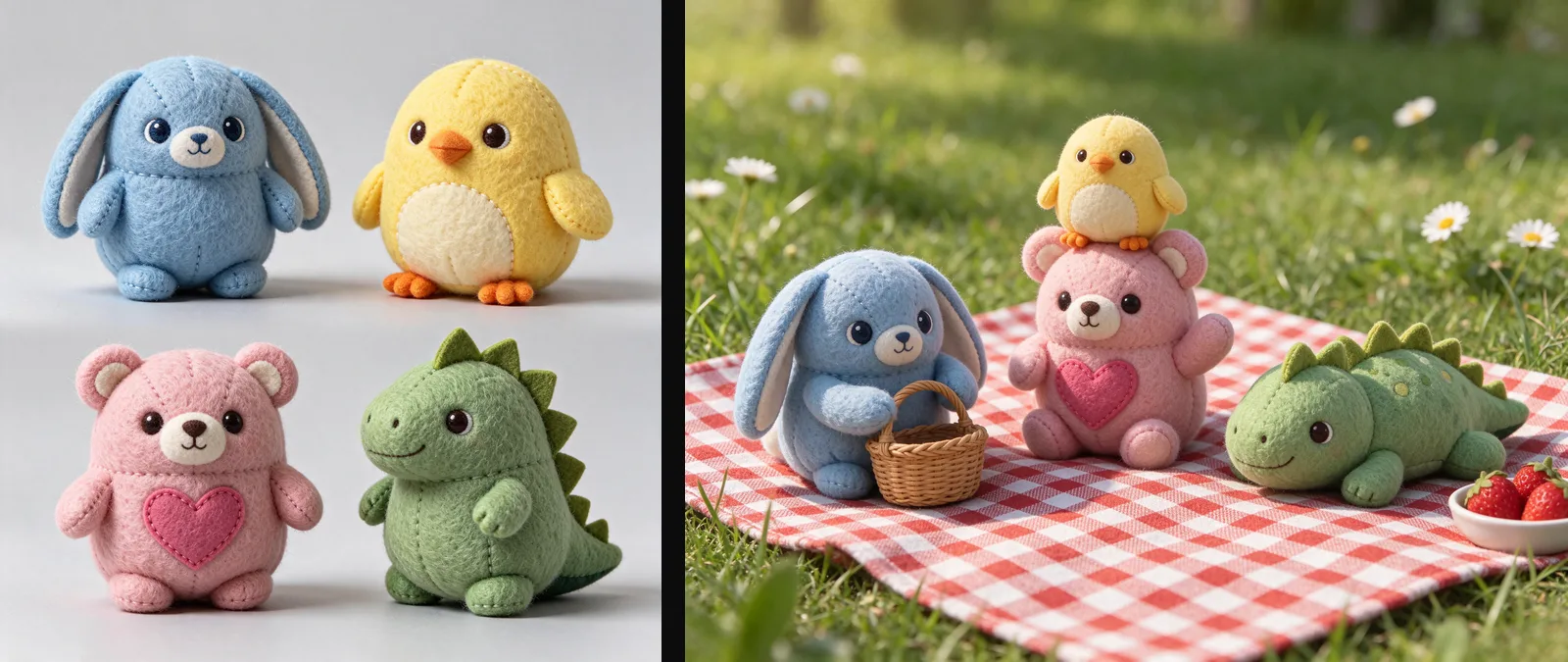
A series from up to 10 references
Upload characters, products or a style and build a series: the same characters in new poses and places, or a product in every colourway. Name each upload @Image1, @Image2 and so on, and say what must stay the same.
Text to image vs image editing
Both tabs run the same Seedream model. Text to image starts from words only. Image edit starts from your pictures.
| Text to image | Image edit | |
|---|---|---|
| Starts from | A prompt | 1 to 10 images and a prompt |
| Name images as | — | @Image1, @Image2… |
| Aspect ratio | 8 fixed shapes | 8 fixed shapes or Auto |
| Sizes | 1K, 1.5K, 2K | 1K, 1.5K, 2K |
| Transparent background | Yes, as PNG | Yes, as PNG |
| Price | 1 credit (1K, 1.5K), 2 (2K) | The same, plus 1 per 3 images |
| Best for | Photo-real scenes, posters, stickers and icons | Step-by-step edits, product sets, character series |
How to use the Seedream AI image generator
- 01
Pick a tab
Text to image to start from words, or Image edit to start from up to 10 of your own pictures.
- 02
Write the prompt
Describe the subject, light, camera and style, and put any text in quotes. In an edit, name your images @Image1, @Image2, say what to change and what to keep.
- 03
Choose shape, size and background
8 shapes, 1K to 2K, PNG or JPEG, and a transparent background for cut-outs. The price is on the button: 1 credit up to 1.5K, 2 at 2K.
- 04
Generate and refine
Press Generate. The picture stays under “My images” for 14 days. To change it again, download it and add it to Image edit.
Seedream image pricing per picture
One price per picture, set by its size: 1 credit at 1K or 1.5K and 2 at 2K. Image edit adds 1 credit for every 3 images you upload. Packs from $9.90, no subscription, failed images refunded.
| Model | 1K | 1.5K | 2K |
|---|---|---|---|
| Seedream · text to image | 1 credit | 1 credit | 2 credits |
| Seedream · edit with 1–3 images | 2 credits | 2 credits | 3 credits |
| Seedream · edit with 4–6 images | 3 credits | 3 credits | 4 credits |
| Seedream · edit with 7–9 images | 4 credits | 4 credits | 5 credits |
| Seedream · edit with 10 images | 5 credits | 5 credits | 6 credits |
Seedream AI FAQ
Something else? Email support@meliesai.com.
Make your first Seedream picture
Write a prompt or upload your photos, pick a shape and a background, and download the PNG.
Create an image