
GPT Image 2.6 Generator
OpenAI’s newest image model in three versions: Flare for fast layouts, Sunburst for refined detail and consistent edits, Economy for low-cost 1K drafts. Make pictures from a prompt or edit up to 16 of your own, online, with no ChatGPT plan.
- Flare · Sunburst · Economy
- Up to 4K
- 16 reference images
- Transparent PNG
Make a GPT image online
2K · Auto · No watermark
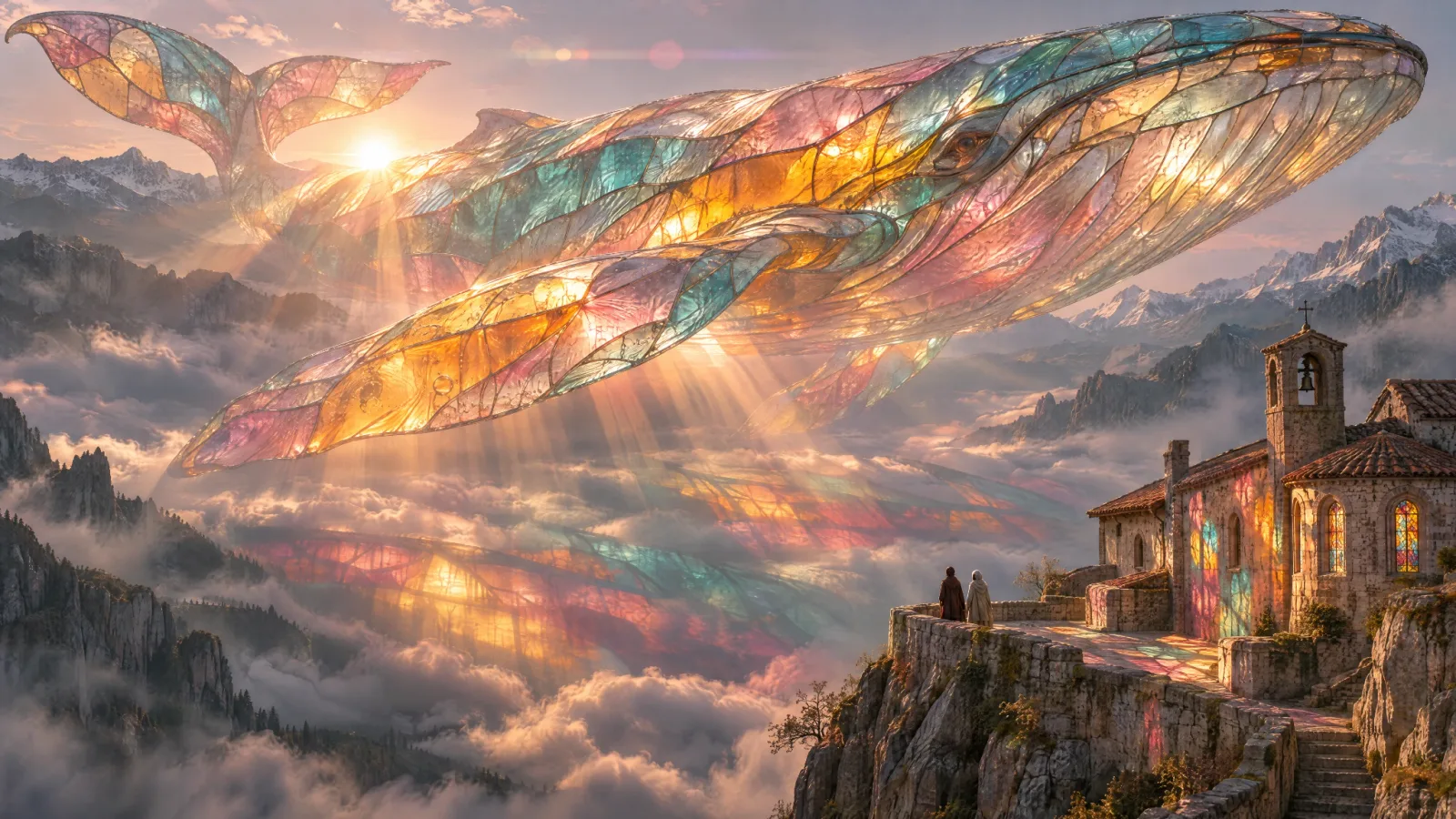 Example
What is GPT Image 2.6?
It is OpenAI’s image generation and editing release from November 4, 2026, which OpenAI calls Images 2.6, and the successor to GPT Image 2.5. It comes as two models, Flare and Sunburst; our provider also runs a low-cost Economy version at 1K. On Melies AI you can use all three in your browser, from a prompt or from up to 16 of your own images, with no ChatGPT subscription or API key.
OpenAI says the release makes images 50% faster than before. Flare is the quick one and, in OpenAI’s words, improves layout quality for posters, product shots and other professional visuals. Sunburst is built for refined, higher-quality output and for keeping people, products and scenes consistent across edits.
Pick Auto or one of 15 shapes from 3:1 to 1:3, and 1K, 2K or 4K, up to 3840 pixels on the long side (Economy makes 1K in 7 shapes). Flare and Sunburst offer five quality levels from Draft to Max and save as PNG, JPEG, WebP, an animated GIF or an SVG vector; in an edit you can paint a mask or draw markup to change one part of a picture. Every version can return a transparent background for cut-outs, stickers and logos, and prompts can run up to 32,000 characters.
- Versions
- 3
- Up to 3840 px
- 4K
- Reference images
- 16
- Aspect ratios + Auto
- 15
- Prompt characters
- 32,000
- Credits · one Economy image
- 2
By OpenAI · run through a third-party API · not affiliated with OpenAI · Last updated
What OpenAI’s newest image model does well
Five things the 2.6 release is built for, and which version to pick for each.
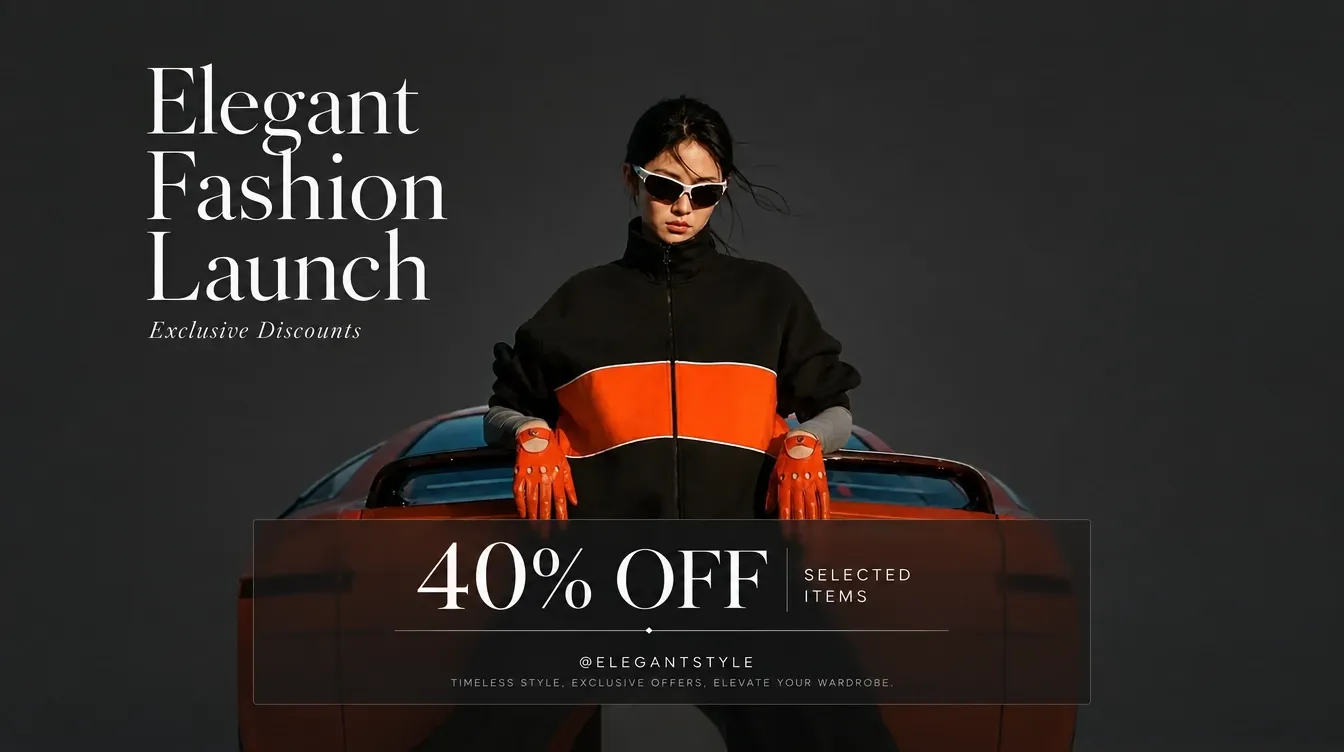
Posters and layouts that hold together
Flare is the version OpenAI tuned for layout: titles, dates and small print sit where you ask, in a clean grid, for posters, menus, product cards and slides. Put every word you want in quotes.
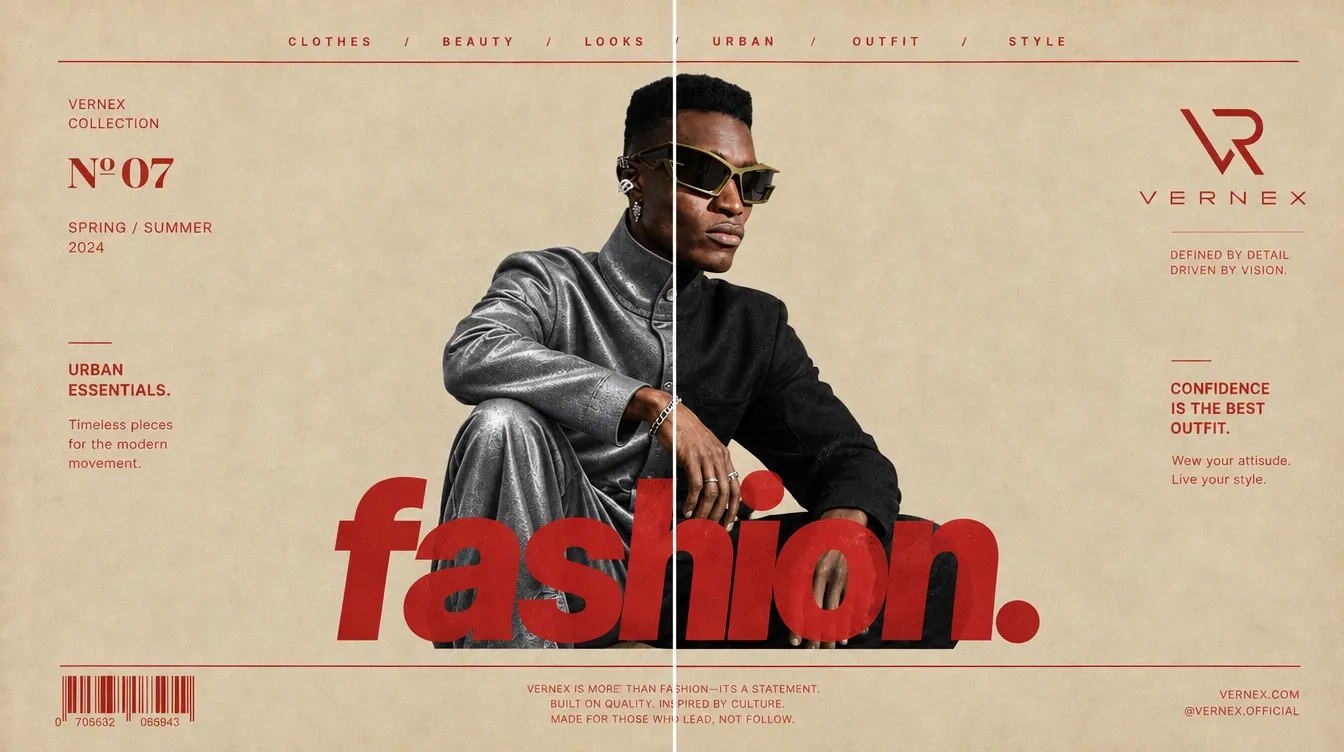
Edits that stay consistent
Sunburst keeps a face, an outfit or a product the same while everything around it changes. Upload a photo, say what must stay and what should change, and run several edits from the same picture.
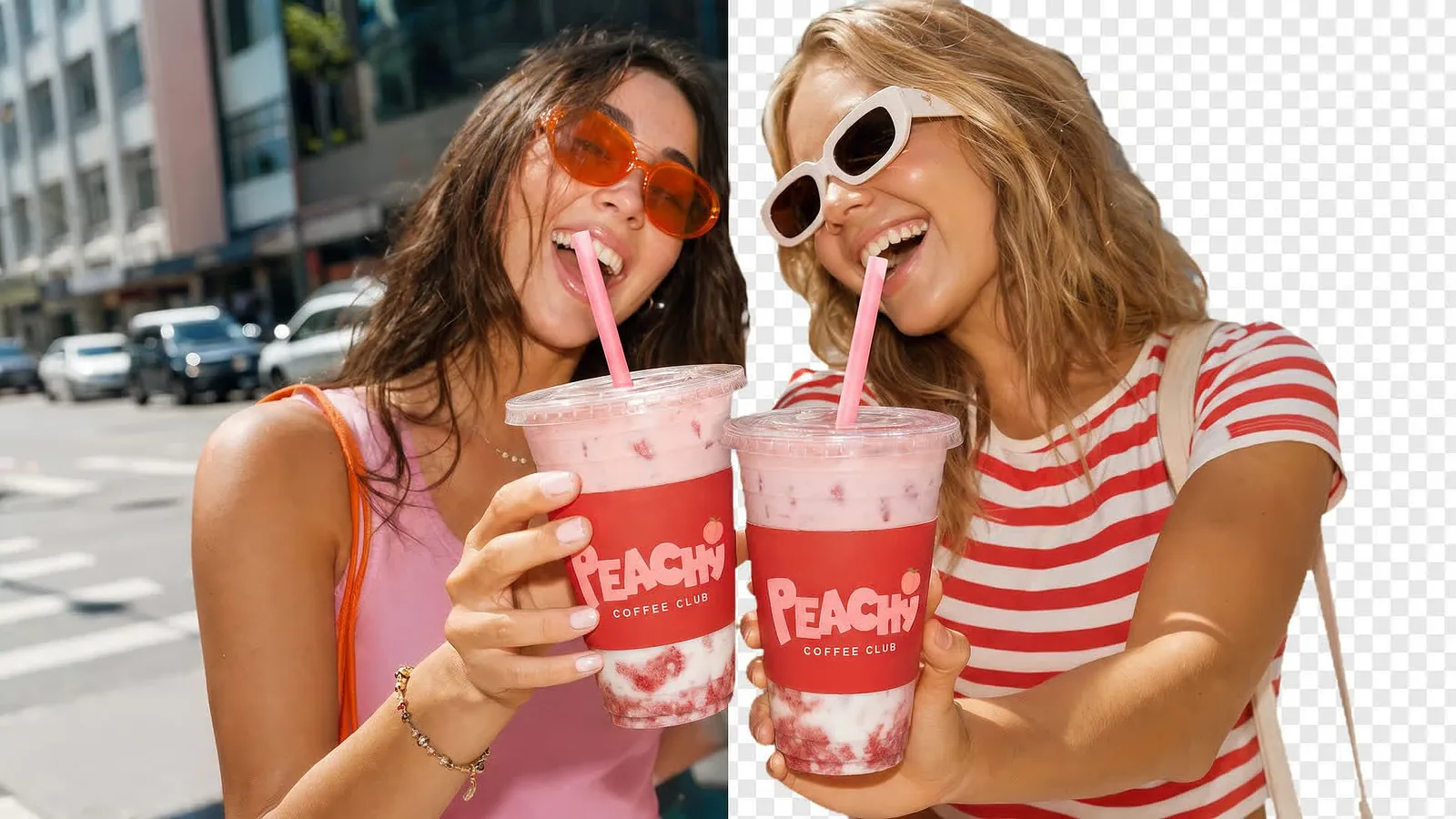
Transparent backgrounds for cut-outs
Switch on Transparent background and the PNG comes back with no backdrop: stickers, logos, product cut-outs and icons ready to drop onto any design.
Up to 16 images in one edit
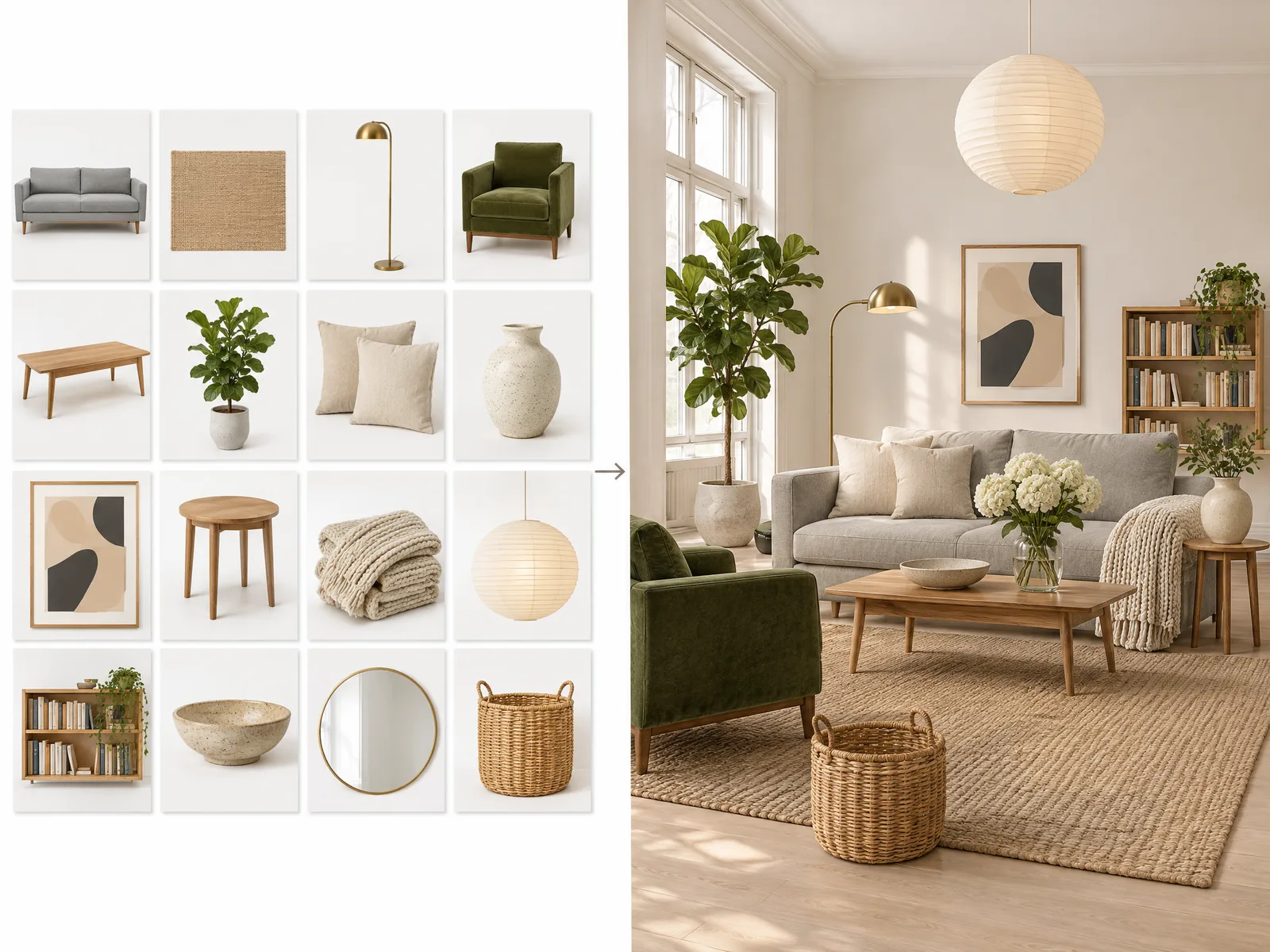
Bring a sofa, a rug and a lamp from three product photos into one room, or a character, an outfit and a location into one scene. Name each upload @Image1, @Image2 and so on, and say to keep them as shown.
Low-cost drafts with Economy
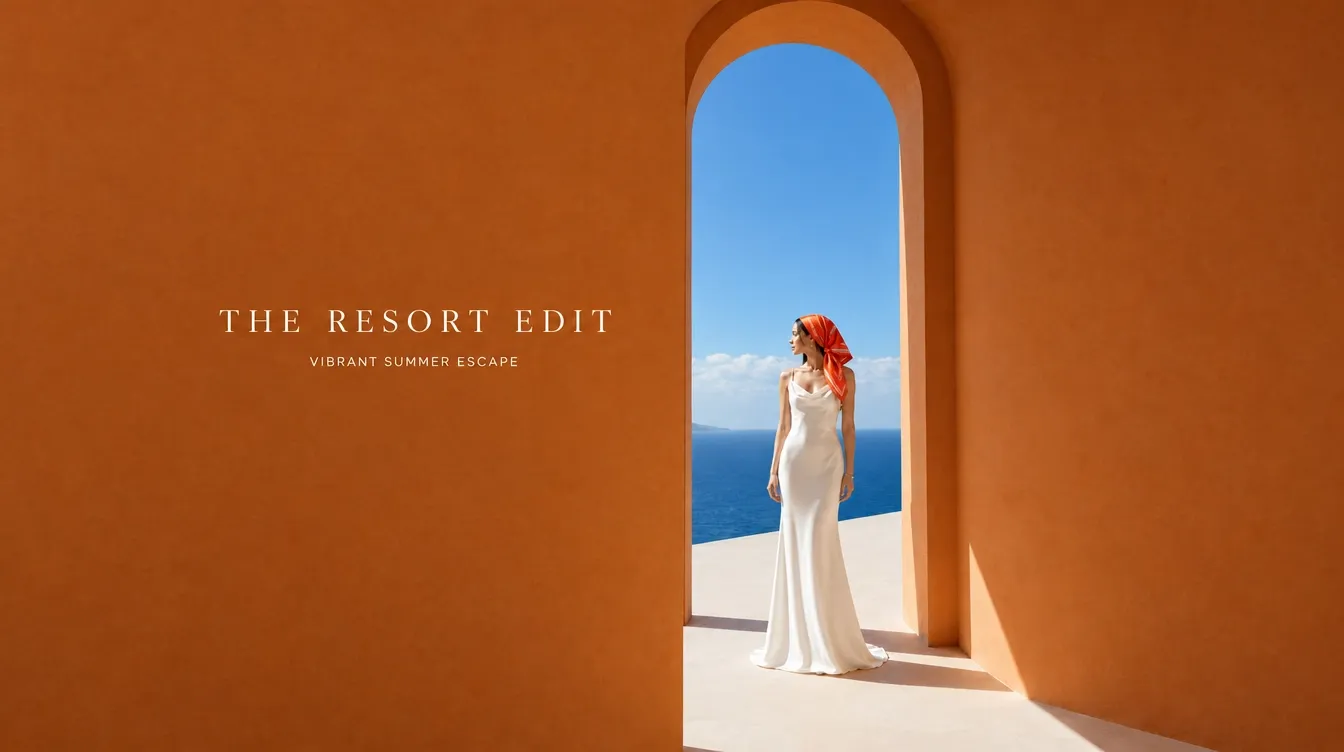
Economy makes a 1K picture for a flat 2 credits, in Auto or 7 shapes: try many ideas cheaply, then render the one you like on Flare or Sunburst at 2K or 4K.
Flare vs Sunburst vs Economy
Three versions in the same model menu. Flare and Sunburst share every setting and differ in what they are tuned for; Economy trades size and settings for a flat low price.
| Flare | Sunburst | Economy | |
|---|---|---|---|
| Best for | Fast drafts, posters and layouts | Refined detail, consistent edits | Low-cost 1K drafts |
| Sizes | 1K, 2K, 4K | 1K, 2K, 4K | 1K |
| Aspect ratios | 15 + Auto | 15 + Auto | 7 + Auto |
| Quality | Draft to Max (5 levels) | Draft to Max (5 levels) | One level |
| Reference images | Up to 16 | Up to 16 | Up to 16 |
| Formats | PNG, JPEG, WebP, GIF, SVG | PNG, JPEG, WebP, GIF, SVG | PNG; GIF from text |
| Mask and markup edits | Yes | Yes | No |
| Transparent background | Yes | Yes | Yes |
| Prompt length | 32,000 characters | 32,000 characters | 20,000 characters |
| Price | From 2 credits (1K Draft) | From 2 credits (1K Draft) | 2 credits flat |
How to use the GPT image generator
- 01
Pick a version and a tab
Flare, Sunburst or Economy in the model menu; Text to image to start from words, or Image edit to start from up to 16 of your images.
- 02
Write the prompt
Describe the subject, layout, light and style, and put any words you want in the picture in quotes. In an edit, name your images @Image1, @Image2 and say what to keep.
- 03
Choose shape, size and format
Auto or a fixed shape, 1K to 4K, Draft to Max, and PNG, JPEG, WebP, GIF or SVG, with a transparent background for cut-outs. The button shows the price before you generate.
- 04
Generate and download
Press Generate; the picture appears under “My images”, where it stays for 14 days.
GPT image pricing per picture
One price per picture, set by the version, size, shape and quality: from 2 credits for a square 1K Draft to 29 for a square 4K Max, more for wide shapes with more pixels, and a flat 2 on Economy. On Flare and Sunburst, edits add 1 credit for every 2 images (a mask counts as one), and GIFs and SVGs show their own price. Packs from $9.90, no subscription, failed images refunded.
| Model | 1K | 2K | 4K |
|---|---|---|---|
| Flare · Draft | 1–3 credits | 2–3 credits | 3–4 credits |
| Flare · Standard | 2–4 credits | 3–5 credits | 4–6 credits |
| Flare · High | 2–5 credits | 3–6 credits | 5–8 credits |
| Flare · Extra high | 3–8 credits | 5–10 credits | 8–13 credits |
| Flare · Max | 7–18 credits | 10–22 credits | 18–29 credits |
| Sunburst · Draft | 1–3 credits | 2–3 credits | 3–4 credits |
| Sunburst · Standard | 2–4 credits | 3–5 credits | 4–6 credits |
| Sunburst · High | 2–5 credits | 3–6 credits | 5–8 credits |
| Sunburst · Extra high | 3–8 credits | 5–10 credits | 8–13 credits |
| Sunburst · Max | 7–18 credits | 10–22 credits | 18–29 credits |
| Economy | 2 credits | — | — |
GPT image generator FAQ
Something else? Email support@meliesai.com.
Make your first GPT image
Pick Flare, Sunburst or Economy, write a prompt or upload your photos, and download the PNG.
Create an image