
MiniMax H3 Image Generator
Turn a prompt into a 16-megapixel picture, or edit and combine up to 16 of your own images, with MiniMax’s newest image model. Online in your browser, from 1 credit an image.
- Up to 16 MP
- 16 reference images
- 10 ratios + Auto
- English or Chinese prompts
Make a MiniMax image online
2K · Auto · No watermark
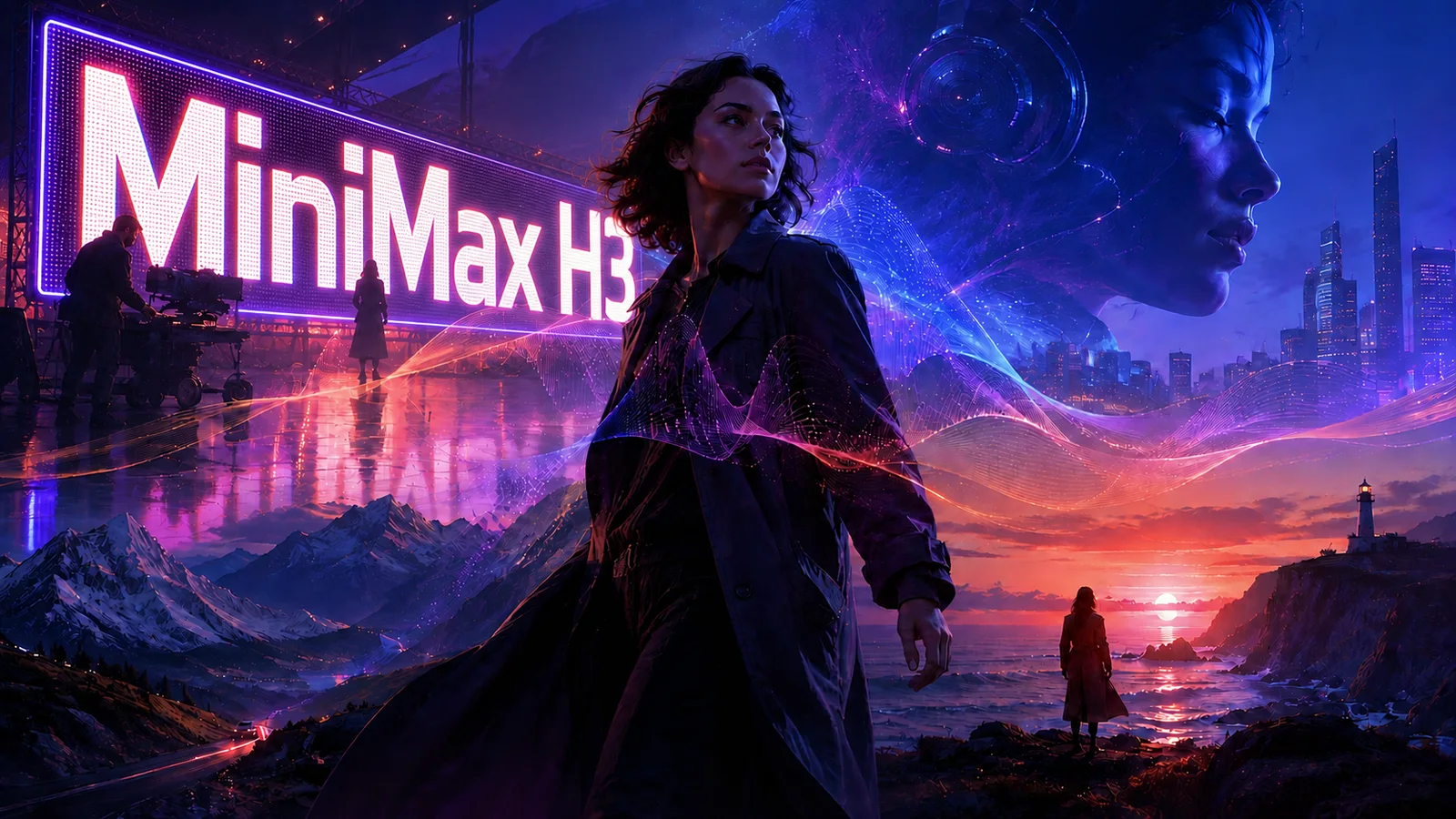 Example
What is MiniMax H3 Image?
It is MiniMax’s open-weights model for making and editing pictures, from the same H3 family as the Hailuo 03 video model. One model does both jobs: text to image from a prompt, and image edit from 1 to 16 pictures you upload. On Melies AI it runs in your browser, with no GPU, app or API key.
MiniMax builds it for detail and instruction following. Every picture comes out at about 16 megapixels in the largest size, from 4096 × 4096 for a square to 6272 × 2688 for a 21:9 banner, made at that size rather than upscaled. It also draws readable text, so a poster title, a label or a sign can be part of the prompt.
Pick 1:1, 16:9, 9:16, 4:3, 3:4, 3:2, 2:3, 5:4, 4:5, 21:9 or Auto, and 1K, 2K or 4K (about 1, 4 and 16 megapixels), or type an exact width and height up to 20 megapixels. Prompts can run up to 5,000 characters in English or Chinese; by default a short prompt is rewritten into a detailed description first, and you can switch that off to use your words as written, 10 to 20 seconds faster. Save as PNG or JPEG. There is no visible watermark.
- Largest size
- 16 MP
- Reference images
- 16
- Aspect ratios + Auto
- 10
- Sizes
- 3
- Prompt characters
- 5,000
- Credit · one 2K image
- 1
By MiniMax · run through a third-party API · not affiliated with MiniMax · Last updated
What the H3 image model does well
Five things it is built for, from posters with real text to edits that combine your own photos.
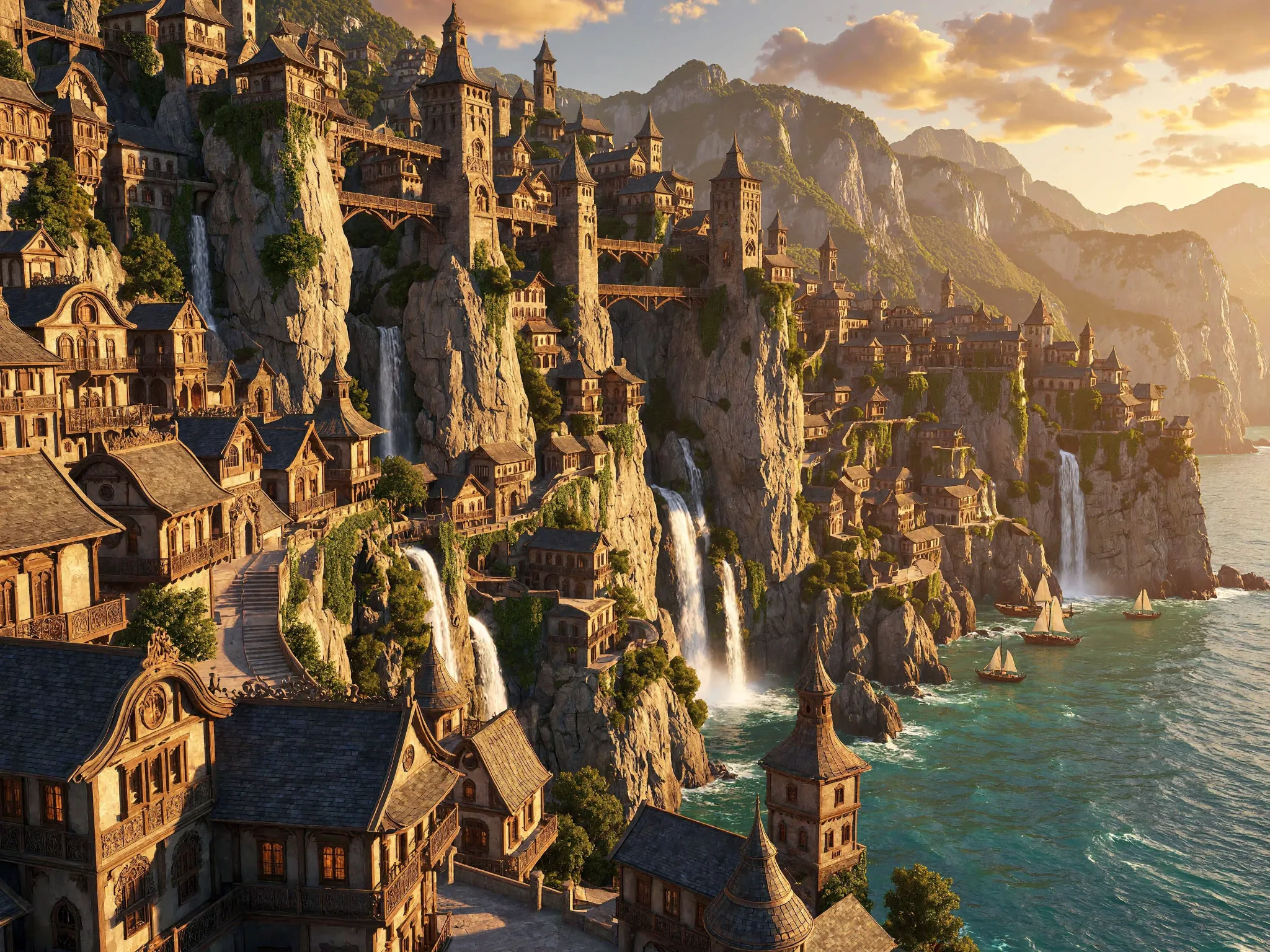
Native 16 MP, no upscaler
The 4K size makes about 16 megapixels directly, at every aspect ratio, so skin, fabric, fur and small print hold up when you crop in or print large. Draft in 1K or 2K, then render the one you like in 4K.
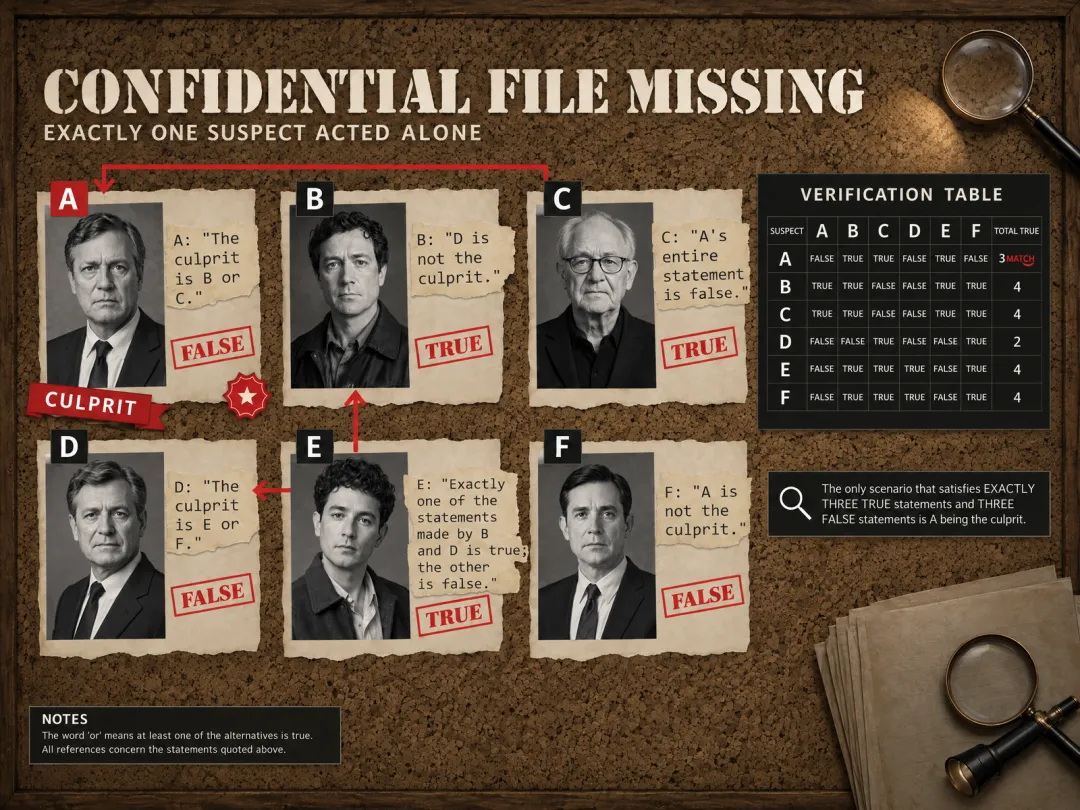
Text that reads right
Put the words in quotes and they appear in the picture: a poster title, a product label, a shop sign or a menu. It works for English and Chinese, so a bilingual poster is one prompt.
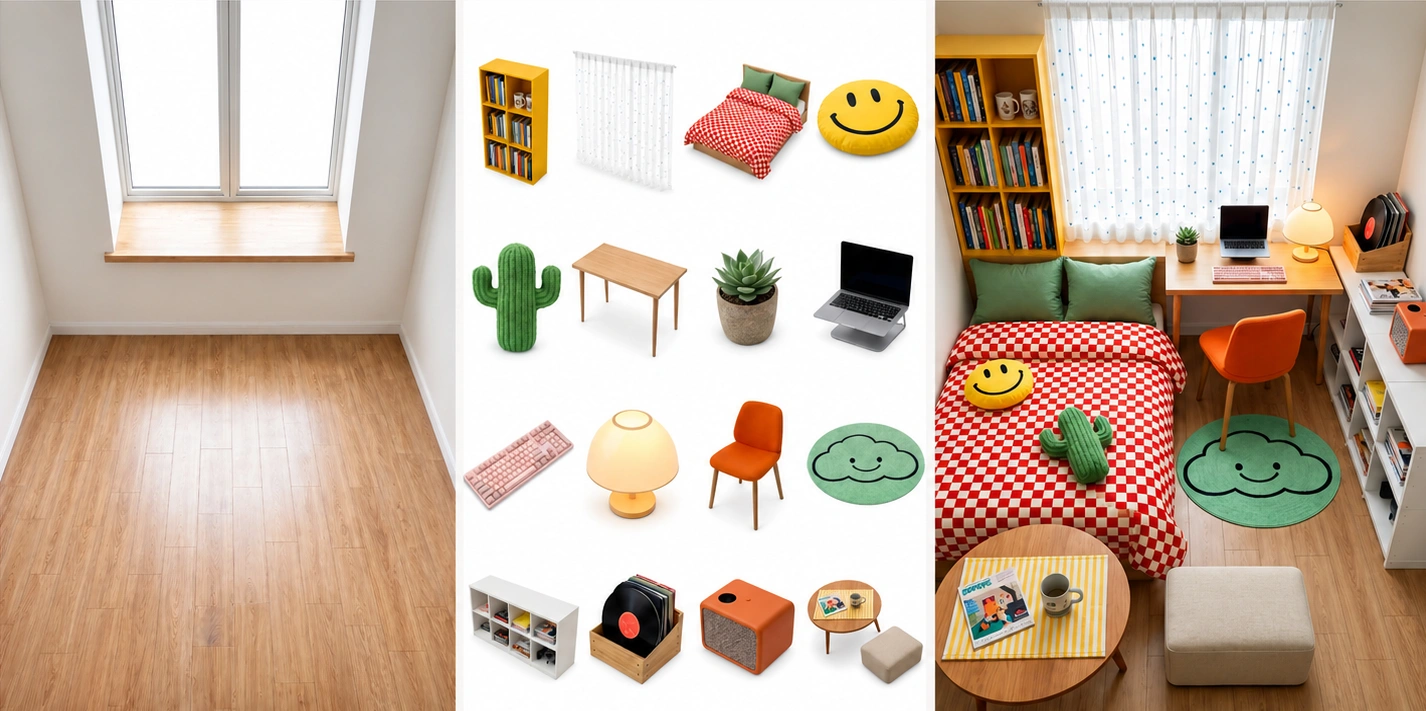
Edits from up to 16 images
Upload a product, a person, a place or a style, and say what to make of them: put the product on a new set, dress the person in the outfit, or build one scene from several pictures. Name each one as @Image1, @Image2 and so on.
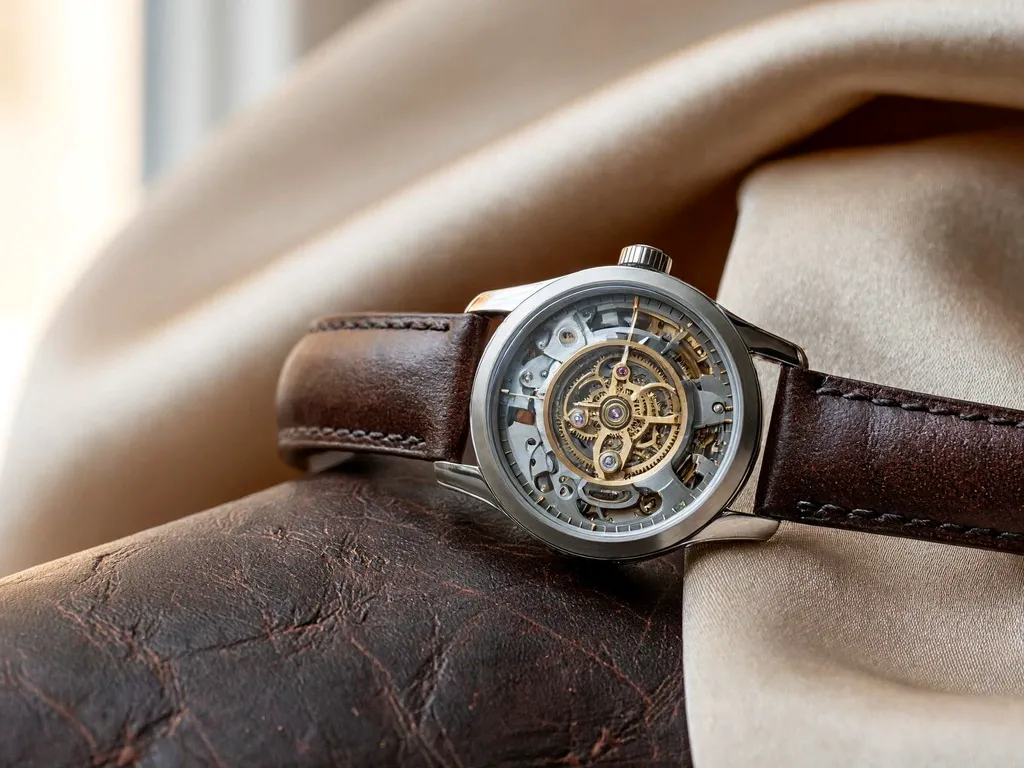
Real-world detail, not the “AI look”
MiniMax aims the model at natural light, real materials and believable imperfection rather than glossy, airbrushed renders. Describe the light, the lens and the materials, and it follows them closely.
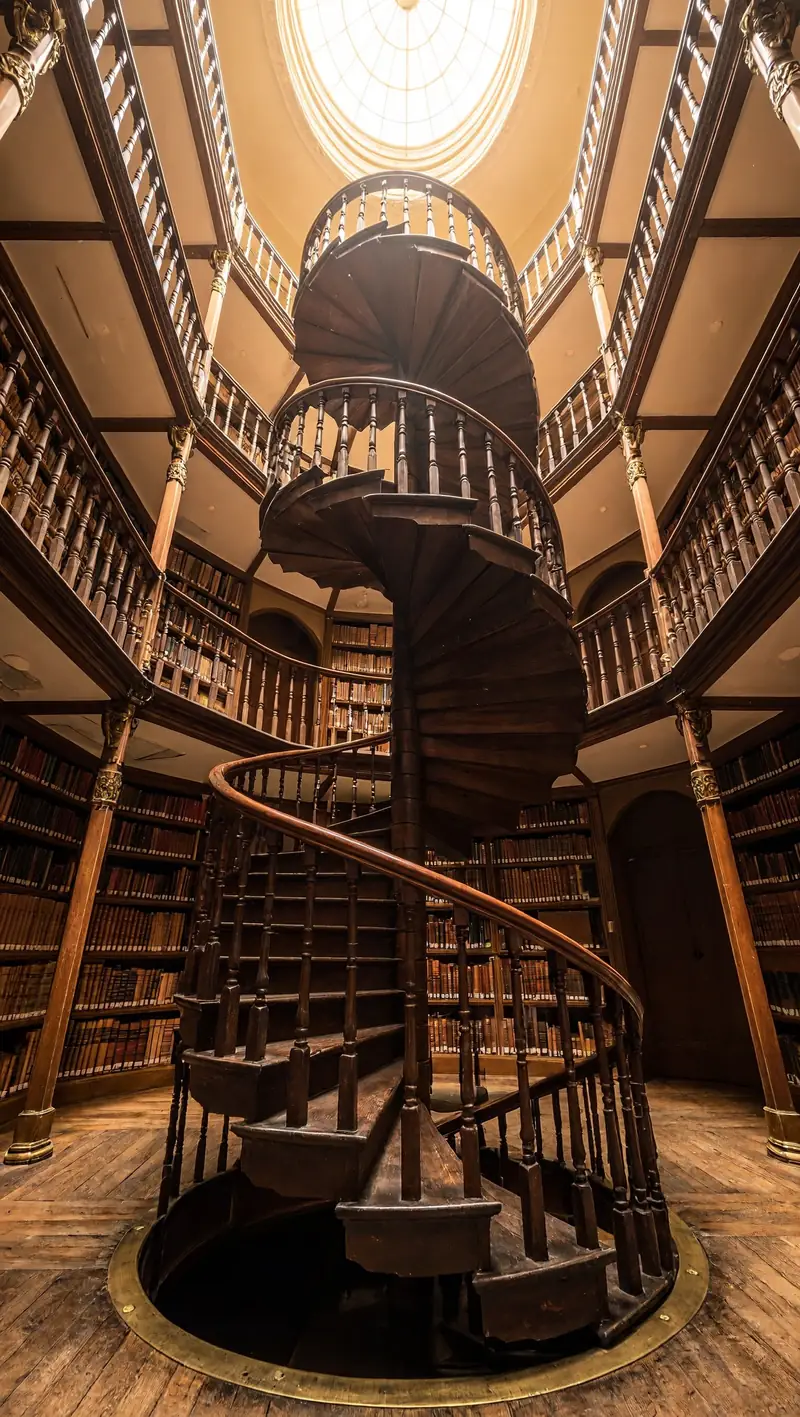
Wide banners and tall stories
Ten fixed shapes from 21:9 to 9:16, plus Auto, which picks the shape from your prompt (or follows @Image1 in an edit). Make a cinematic website banner and a vertical story from the same idea.
Text to image vs image edit
Both tabs run the same model. Text to image starts from words only; image edit starts from your pictures.
| Text to image | Image edit | |
|---|---|---|
| Starts from | A prompt | 1 to 16 images and a prompt |
| Name images as | — | @Image1, @Image2… |
| Auto ratio | Picked from the prompt | Follows @Image1 |
| Sizes | 1K, 2K, 4K | 1K, 2K, 4K |
| Price | 1 credit (1K, 2K), 2 (4K) | The same, plus 1 per 8 images |
| Best for | Posters, concept art, banners, stock-style photos | Product shots, try-ons, scenes built from your photos |
How to use the MiniMax image generator
- 01
Pick a tab
Text to image to start from words, or Image edit to start from your own pictures (up to 16).
- 02
Write the prompt
Describe the subject, setting, light and style; put any text you want in the picture in quotes. In an edit, name your images @Image1, @Image2 and say what to keep.
- 03
Choose shape and size
10 ratios or Auto, and 1K, 2K or 4K. The price is on the button: 1 credit for 2K, 2 for 4K.
- 04
Generate and download
Press Generate; the picture is usually ready in under a minute. It stays under “My images” for 14 days.
H3 image pricing per picture
One price per picture, set by its size. Image edit adds 1 credit for every 8 images you upload. Packs from $9.90, no subscription, failed images refunded.
| Model | 1K | 2K | 4K |
|---|---|---|---|
| H3 Image · text to image | 1 credit | 1 credit | 2 credits |
| H3 Image · edit with 1–8 images | 2 credits | 2 credits | 3 credits |
| H3 Image · edit with 9–16 images | 3 credits | 3 credits | 4 credits |
MiniMax image FAQ
Something else? Email support@meliesai.com.
Make your first 16 MP picture
Write a prompt or upload your photos, pick a shape and a size, and download the result.
Create an image