
Nano Banana 2.1 Generator
Make pictures from a prompt or edit up to 10 of your photos with Google’s newest Gemini image model: readable infographics, consistent characters, panoramas from 8:1 to 1:8 and up to 4K. Online, with no Google AI plan, from 1 credit an image.
- Up to 4K
- 10 reference images
- 14 ratios + Auto
- By Google
Make a Nano Banana AI image online
2K · Auto · No watermark
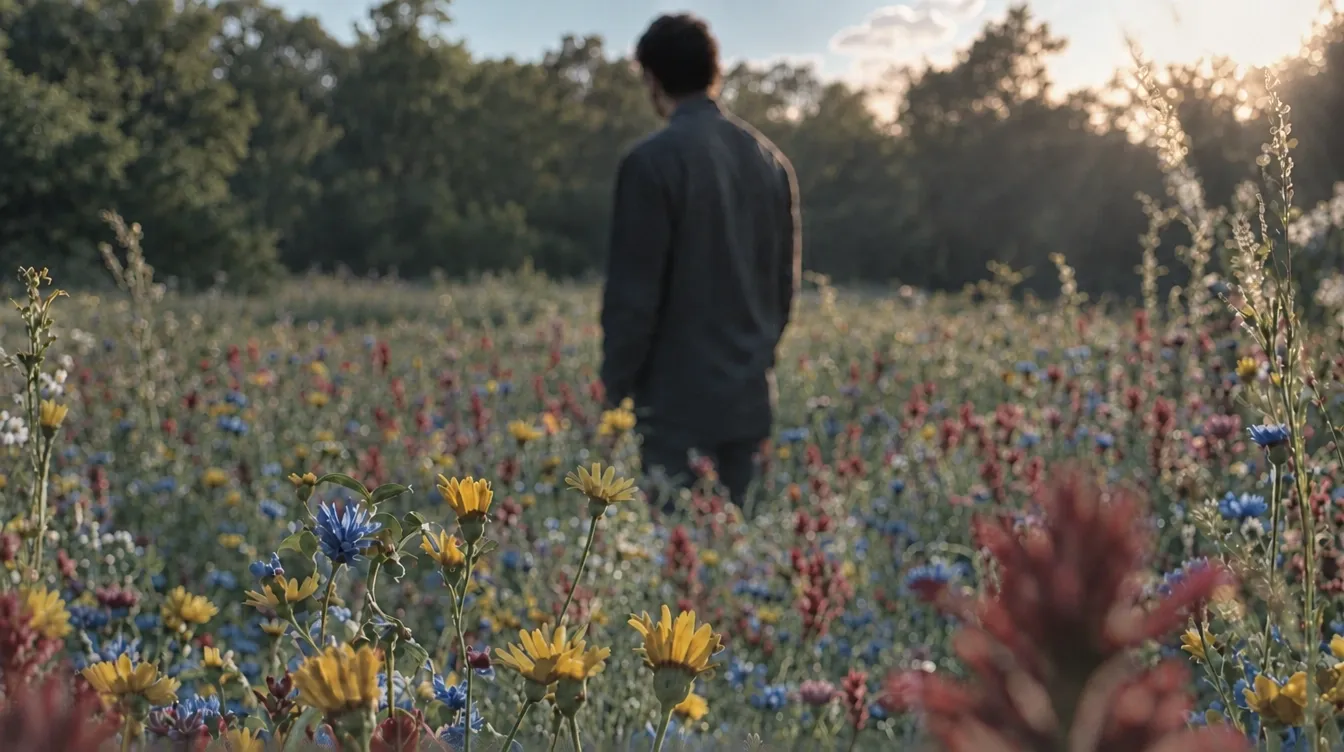 Example
What is Nano Banana 2.1?
Nano Banana is Google’s name for its Gemini image models, and version 2.1, released on October 6, 2026, is the newest. It is built on Gemini 3.6 Flash and updates Nano Banana 2 while keeping Flash-level speed and cost. One model makes pictures from a prompt and edits your photos. On Melies AI it runs in your browser, with up to 10 images per edit and no Google AI plan, app or API key.
Google lists five updates in version 2.1. Pictures look better and more realistic at 1K, 2K and 4K. Wide and tall panoramas (1:4, 4:1, 1:8 and 8:1) no longer show tiling artifacts at 2K and 4K. Text and infographic layouts are more accurate. And one picture can fuse up to 14 references in Google’s own API, keeping up to 4 characters and 10 objects consistent. Google’s API also offers Search grounding and thinking levels; this site does not expose those settings.
Google’s model card scores version 2.1 in human side-by-side tests. With thinking on, it reached an Elo of 1050 for overall text-to-image preference, against 990 for Nano Banana 2 and 935 for Nano Banana Pro. For keeping several characters consistent in an edit it scored 1106, against 978 and 1011. These are Google’s own tests, not independent ones.
On this site you pick Auto or one of 14 shapes, and 1K, 2K or 4K. A square is 1024 × 1024, 2048 × 2048 or 4096 × 4096 pixels, and an 8:1 panorama at 4K is 12288 × 1536. Prompts run up to 20,000 characters. Save as PNG or JPEG. Google embeds an invisible SynthID watermark in every picture; no visible watermark is added.
- Aspect ratios + Auto
- 14
- Largest size
- 4K
- Reference images here
- 10
- Pixels · longest side
- 12,288
- Prompt characters
- 20,000
- Credit · one 1K image
- 1
By Google · run through a third-party API · not affiliated with Google · Last updated
What Google’s newest image model does well
Five things the 2.1 release improves, from infographics to panoramas, and where it still has limits.
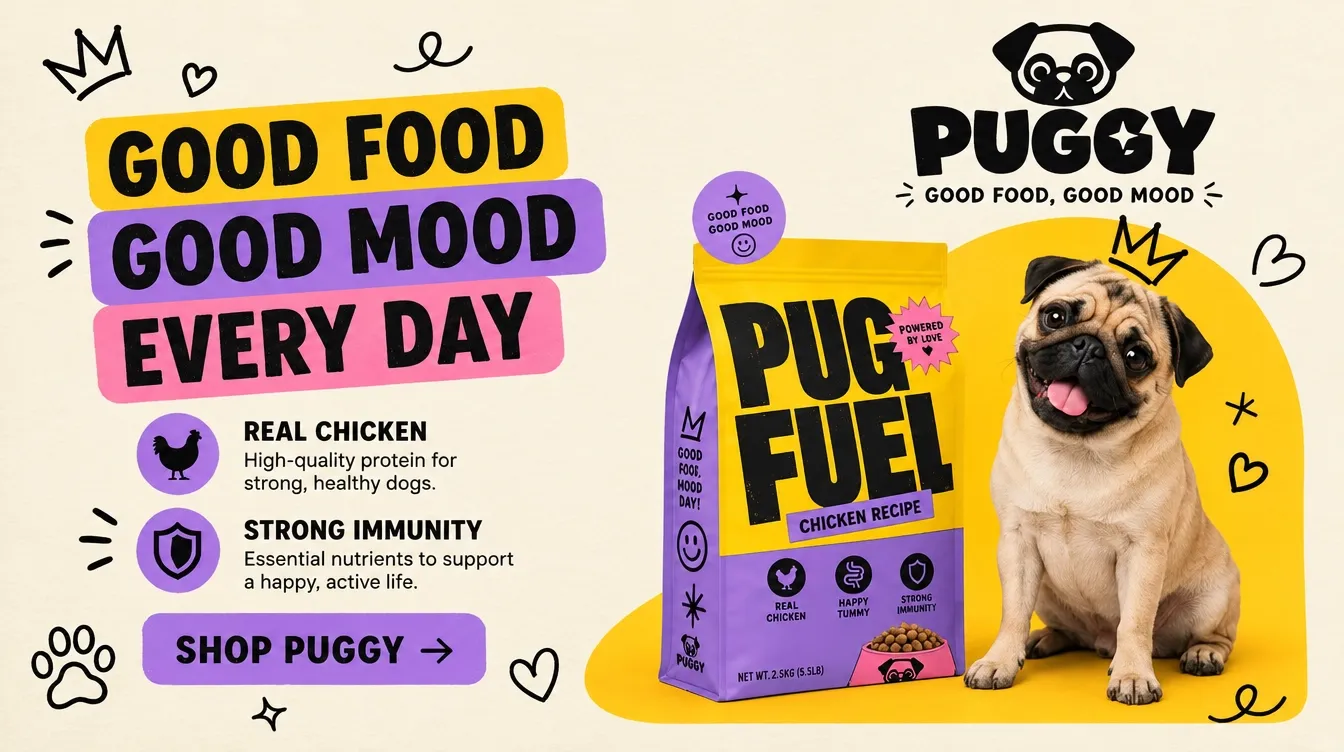
Infographics and posters that read right
Google improved text rendering and infographic layout in version 2.1: titles, labels, charts and step-by-step diagrams land where you ask. Put every word in quotes. Google notes that small text can blur at 1K, so render text-heavy pictures at 2K or 4K.
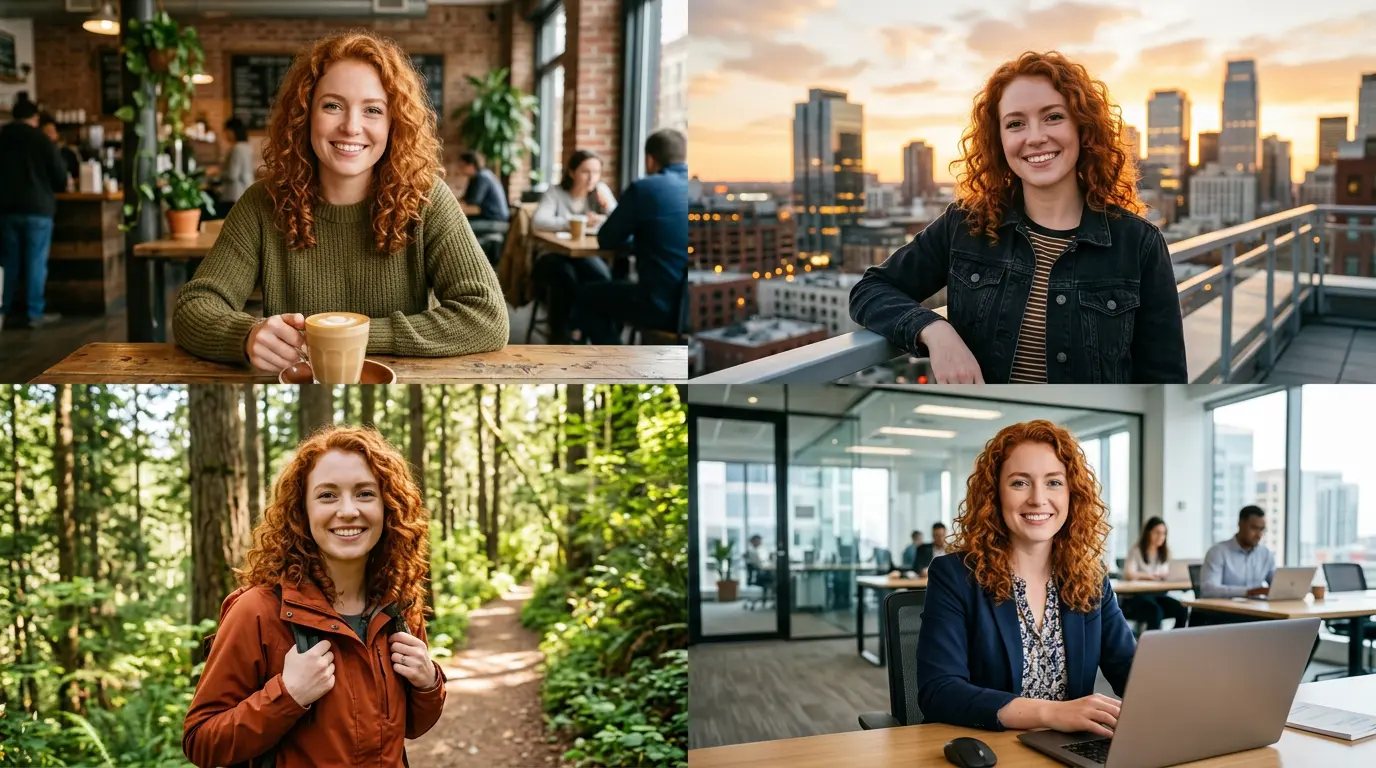
The same characters in every picture
Upload up to four people or characters and put them in new scenes, outfits and poses while their faces stay the same. Google scored version 2.1 well ahead of earlier Nano Banana models on multi-character consistency. Name each upload @Image1, @Image2 in the prompt.
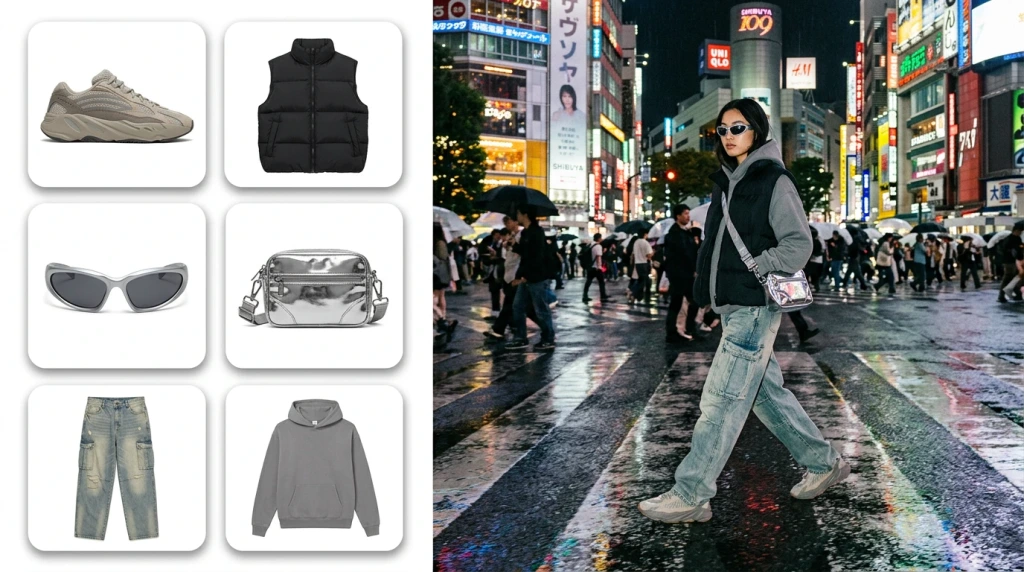
Fuse up to 10 images into one
Combine products, props, a location and a style into one picture: a sofa, rug and lamp in one room, or a product with its packaging and a backdrop. Say which image each part comes from and what must stay exactly as shown.
Panoramas from 8:1 to 1:8
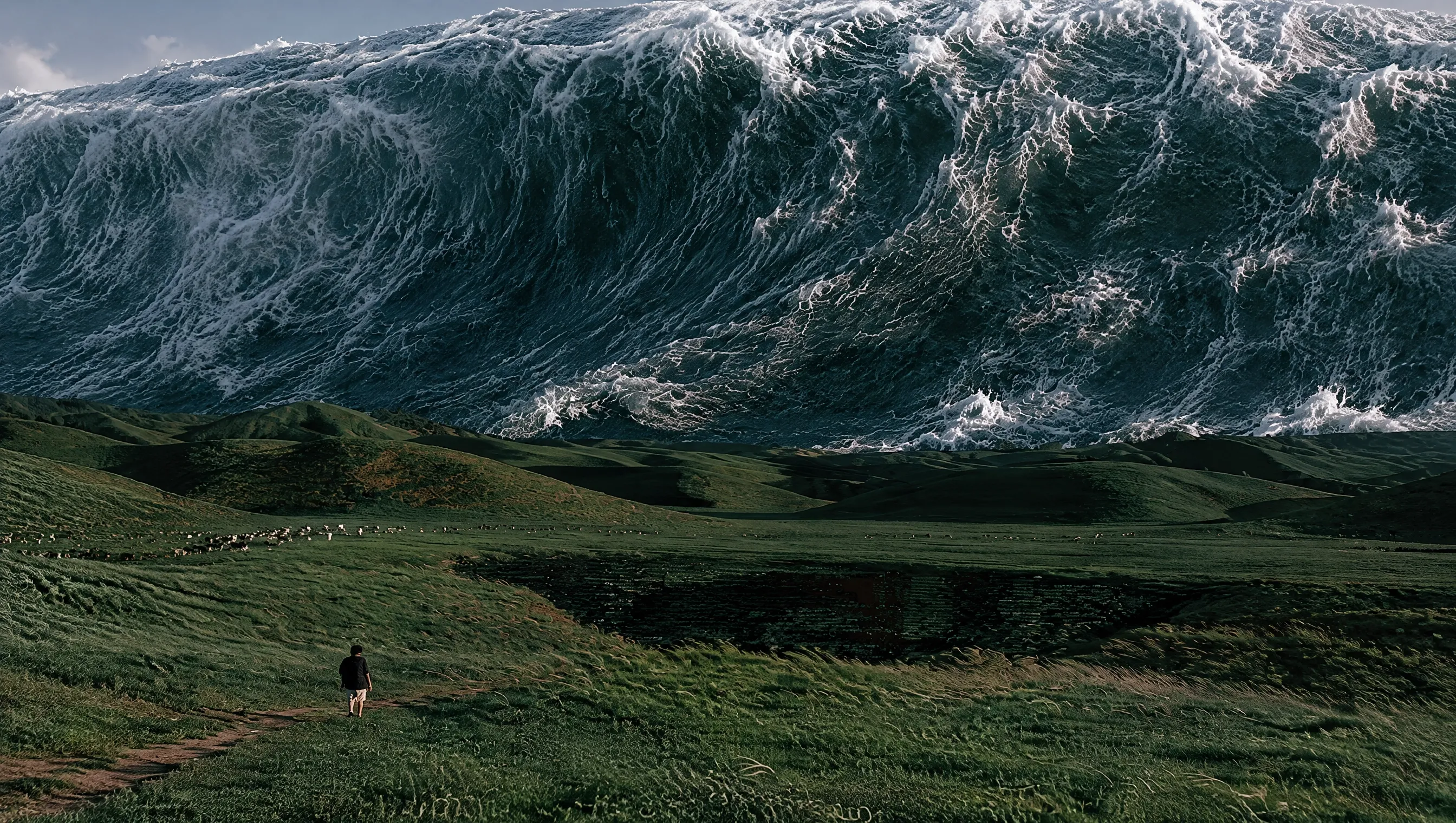
Four extreme shapes, 8:1, 4:1, 1:4 and 1:8, sit next to the usual ten. Google fixed the tiling artifacts these shapes showed at 2K and 4K, so a website banner, a scroll or a tall infographic comes out in one piece, up to 12288 × 1536 pixels.
4K detail at Flash speed
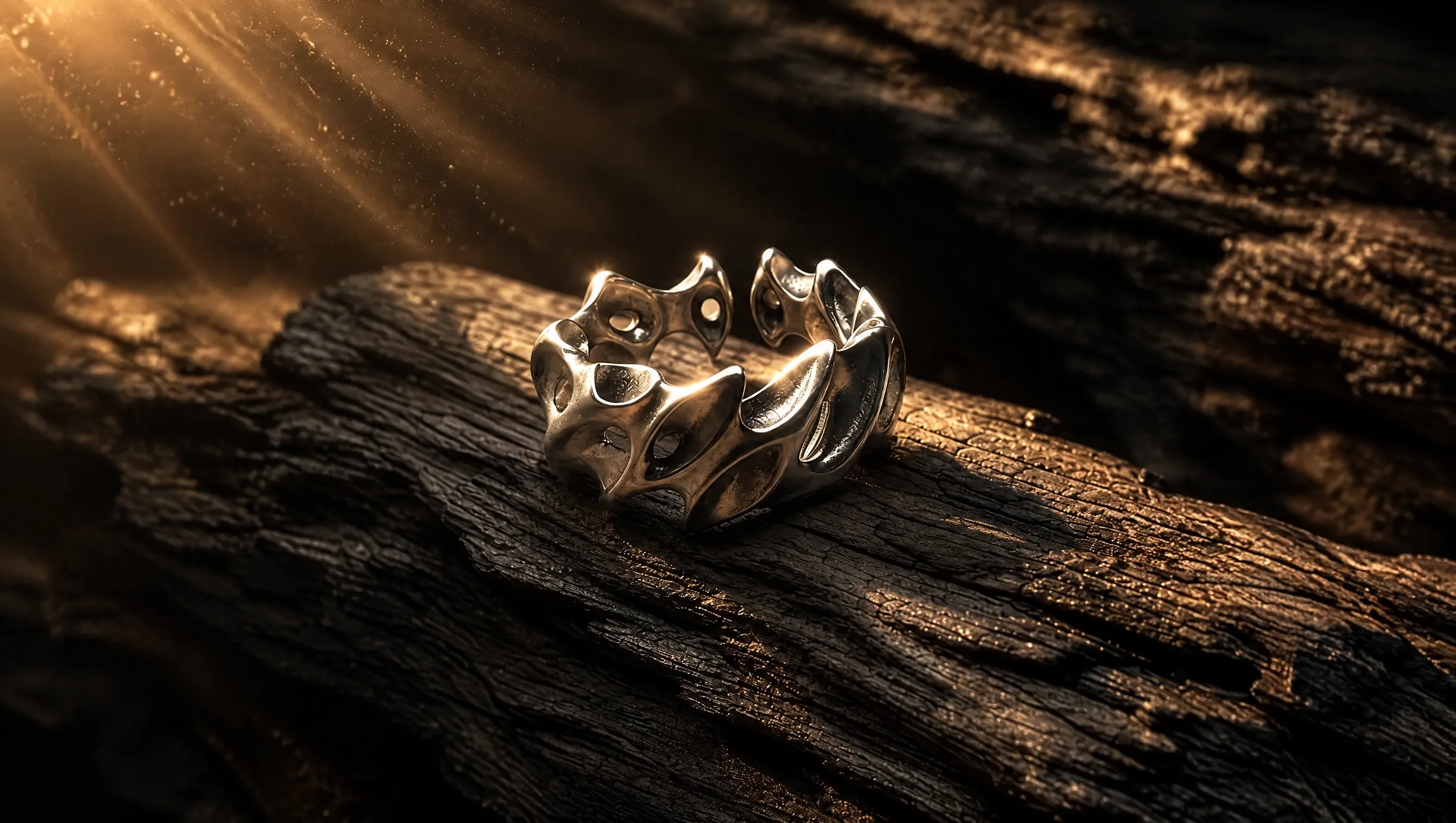
Version 2.1 keeps the speed of Google’s Flash models while improving quality at every size. Draft at 1K for 1 credit, then render the keeper at 4K, about 17 megapixels, for 3 credits.
Google’s Nano Banana models compared
Google runs three main Nano Banana models. Version 2.1 and Pro are both on this site. The figures come from Google’s docs and model card.
| Version 2.1 | Nano Banana 2 | Nano Banana Pro | |
|---|---|---|---|
| Google model | gemini-nano-banana-2.1 | Gemini 3.1 Flash Image | Gemini 3 Pro Image |
| Google’s role for it | Fast, efficient workhorse | Previous fast workhorse | Premium, reasons through complex tasks |
| Sizes | 1K, 2K, 4K | 512 px, 1K, 2K, 4K | 1K, 2K, 4K |
| Aspect ratios | 14, from 8:1 to 1:8 | 14, from 8:1 to 1:8 | 10, from 21:9 to 9:16 |
| Overall preference (Elo) | 1050 (thinking on) | 990 (thinking on) | 935 |
| Multi-character consistency (Elo) | 1106 (thinking on) | 978 (thinking on) | 1011 |
| On this site | Yes | No | Yes |
How to use the Nano Banana AI image generator
- 01
Pick a tab
Text to image to start from words, or Image edit to start from up to 10 of your own pictures.
- 02
Write the prompt
Describe the subject, layout, light and style, and put any text in quotes. In an edit, name your images @Image1, @Image2, say what to change and what to keep.
- 03
Choose shape and size
Auto or one of 14 shapes from 8:1 to 1:8, and 1K, 2K or 4K. The price is on the button: 1, 2 or 3 credits.
- 04
Generate and download
Press Generate and save as PNG or JPEG. The picture stays under “My images” for 14 days.
Nano Banana pricing per picture
One price per picture, set by its size: 1 credit at 1K, 2 at 2K and 3 at 4K. Edits cost the same however many images you upload. Packs from $9.90, no subscription, failed images refunded.
| Model | 1K | 2K | 4K |
|---|---|---|---|
| Nano Banana | 1 credit | 2 credits | 3 credits |
Nano Banana FAQ
Something else? Email support@meliesai.com.
Make your first Nano Banana picture
Write a prompt or upload your photos, pick a shape from 8:1 to 1:8 and a size up to 4K, and download the result.
Create an image